
This guide covers everything you need to know about nvr hard drive size — from key features and available options to real product recommendations suitable for Florida installations. Whether you are an experienced security installer or a business owner planning your first CCTV system, this article will help you make an informed decision.
Choose a surveillance-rated drive
Desktop drives are not built for 24/7 write cycles. Use a drive rated for continuous recording, matched to the recorder bay size and power budget.
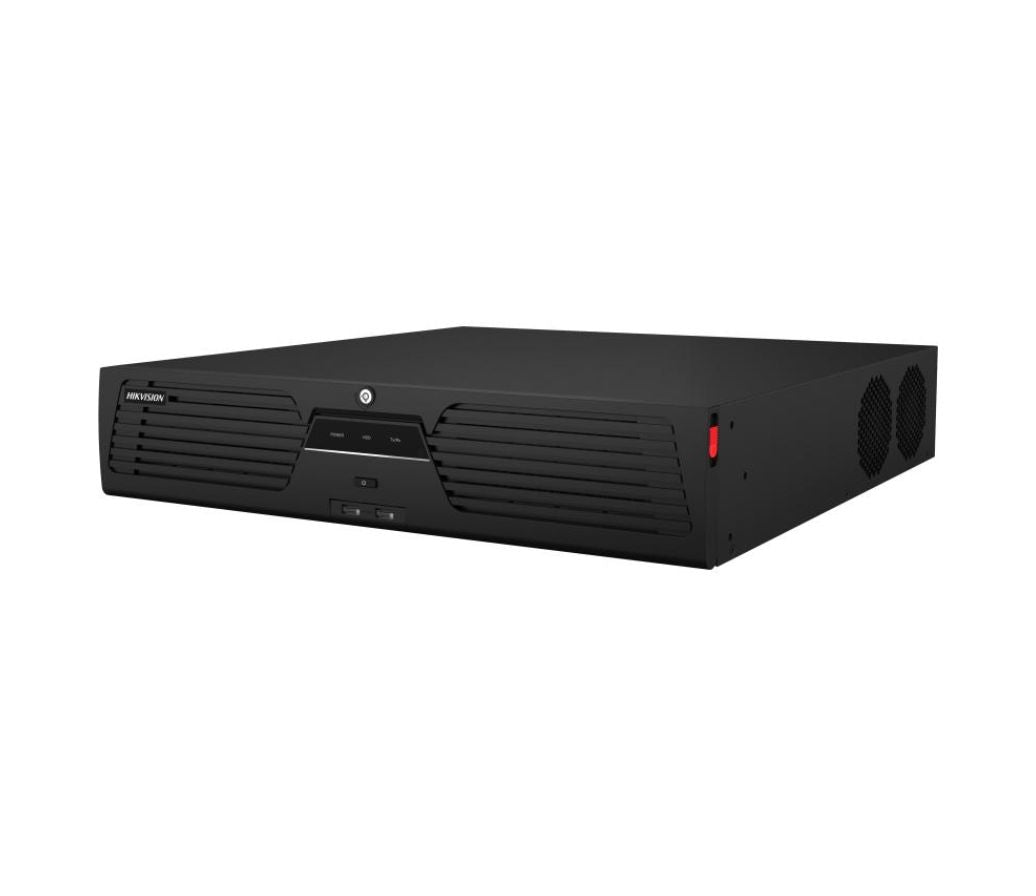
A top pick in this category is the 32MP UltraHD 64-Channel Intelligent IQ Network Video Recorder with 8 Hard Drive Bays and RAID Support (NVR508-64-E-IQ), available from $4,559.00. This model delivers the performance and reliability that Florida installers depend on for consistent, high-quality video surveillance.

Install and initialise the disk
Power down, fit the drive to the sled, connect data and power, then let the recorder format it and confirm the new capacity appears before adding cameras.
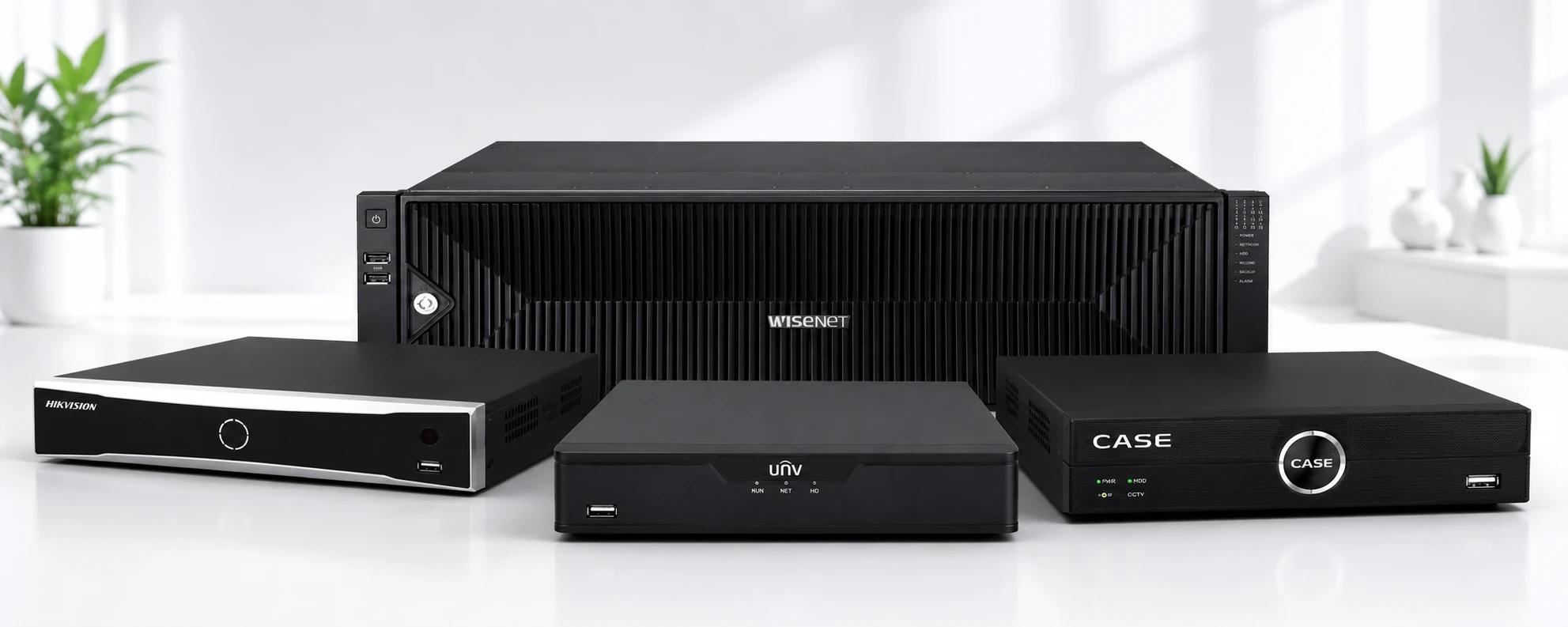
- 32MP UltraHD 64-Channel Intelligent IQ Network Video Recorder with 8 Hard Drive Bays and RAID Support (NVR508-64-E-IQ) ($4,559.00) — Support Ultra 265/H.
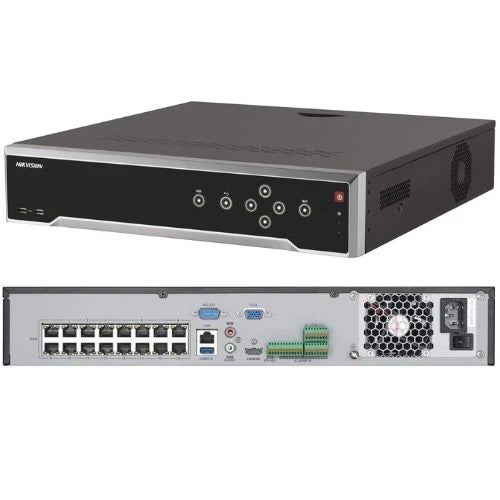
- UNV 16MP UltraHD 16-Channel Network Video Recorder with 2 Hard Drive Bays and Intelligent Video Analytics (NVR502-16B-P16-IQ) ($1,509.00) — The NVR502-16B-P16-IQ NVR is an excellent option for video surveillance systems with up to 16 security cameras.
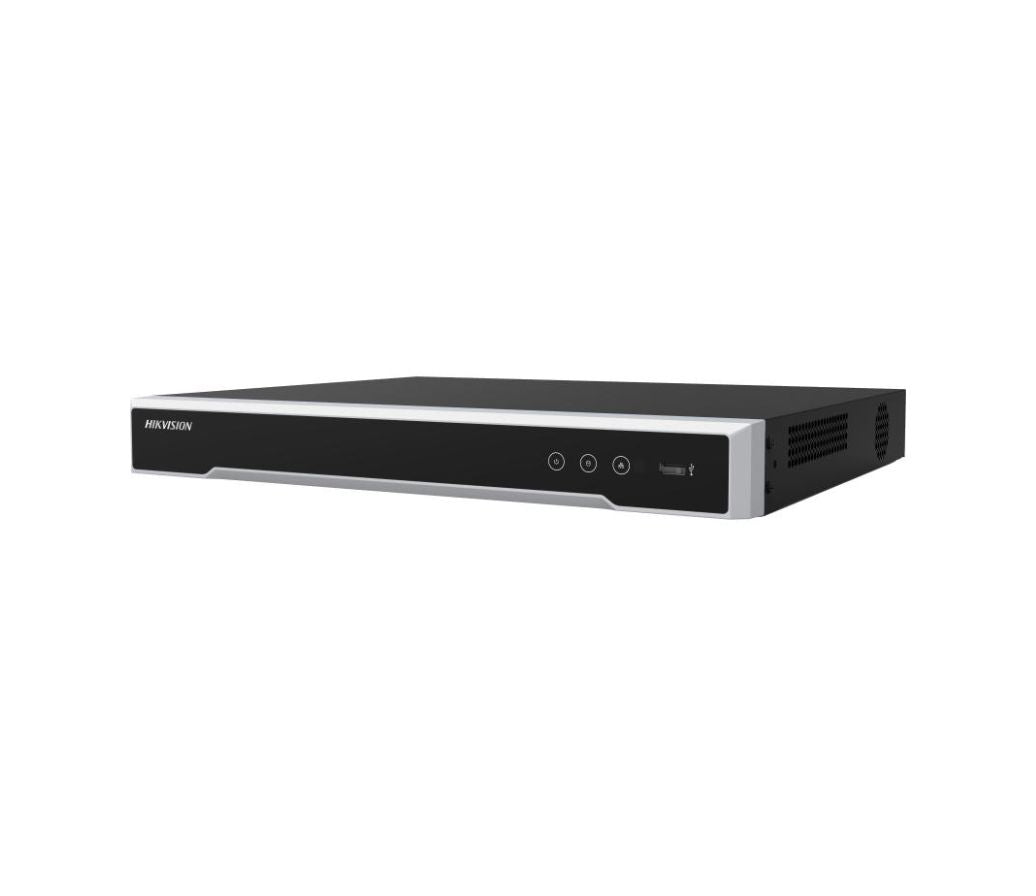
- UNV 12MP UltraHD 8-Channel Network Video Recorder with 1 Hard Drive Bay and Intelligent Video Analytics (NVR301-08B-P8-IQ) ($649.00) — NVR301-08B-P8-IQ | 8-Channel 4K Smart PoE NVR Capacity: 8-Channel Input | Max Resolution: 12MP | Storage: 1 SATA (Up to 10TB) The Uniview NVR301-08B-P8-IQ is a high-performance 8-channel surveillance hub designed for professional security.
Size storage from retention, not guesswork
Work backwards from days of retention, camera count, resolution and codec. A storage calculator removes the guesswork in about two minutes.
When implementing a nvr hard drive size solution, evaluate your existing infrastructure, plan for future expansion, and account for site-specific conditions. The IDS CCTV team can help size, specify, and support your system. Contact our wholesale team →
Recommended products from IDS CCTV


Frequently asked questions
How many days of recording will a 4TB drive hold?
Roughly 20 to 30 days for eight 4MP cameras on H.265, but always calculate from your own camera count and retention target.
Can I add a second drive later?
Only if the recorder has a spare bay. Check the bay count on the spec sheet before assuming you can expand.
How much does 32MP UltraHD 64-Channel Intelligent IQ Network Video Recorder with 8 Hard Drive Bays and RAID Support (NVR508-64-E-IQ) cost?
Pricing starts at $4,559.00. Volume and bundle deals are available. Contact IDS CCTV for a quote →
Can I get help with my nvr hard drive size project?
Yes. IDS CCTV provides design assistance, bill-of-materials review, and technical support. Reach out to our team →