
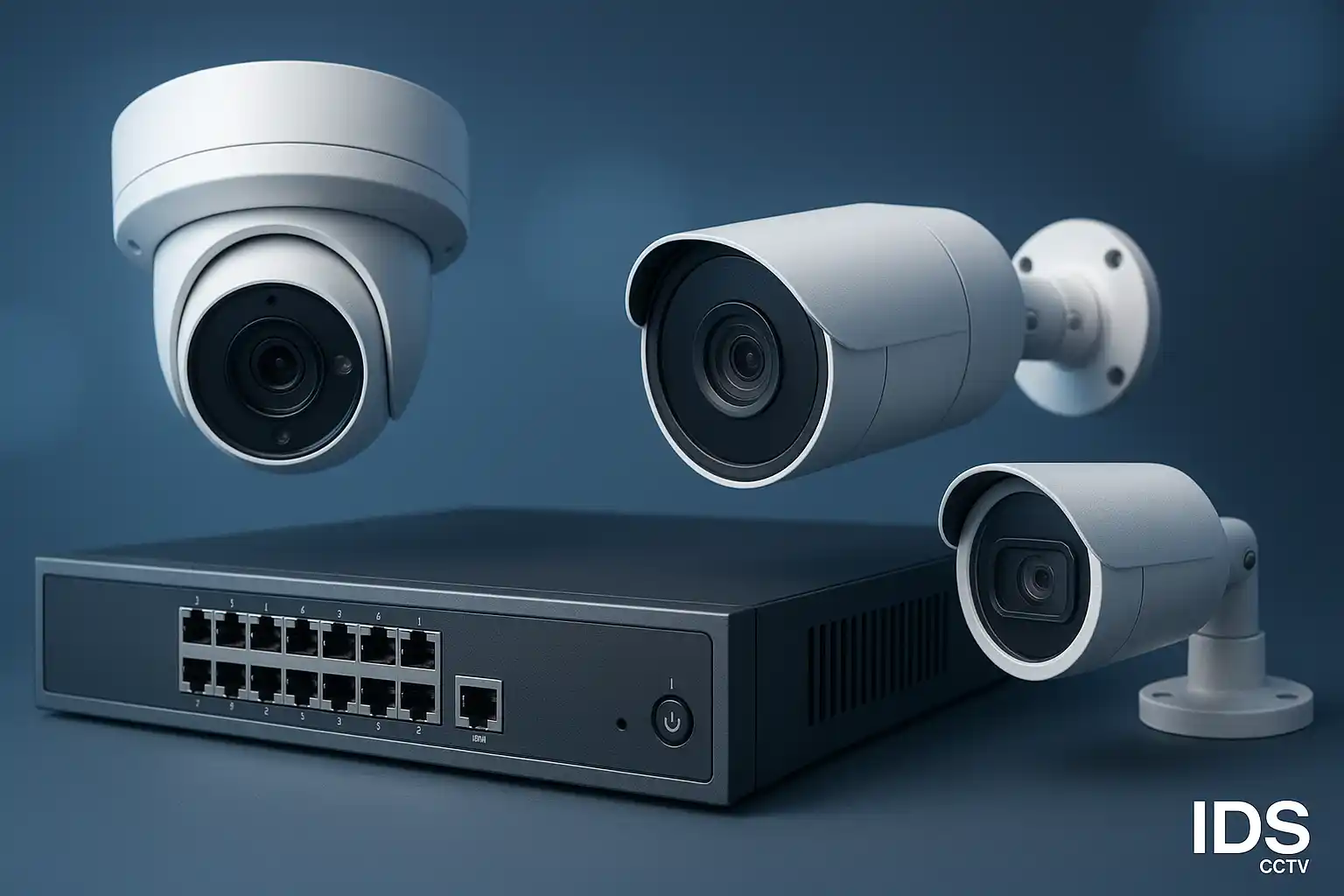
Why NVR Selection Matters More Than Most People Think
The NVR — Network Video Recorder — is the brain of any IP camera system. Get it right and you have a scalable, reliable platform that serves you for 5–10 years. Get it wrong and you face storage gaps, degraded video quality, dropped camera feeds during busy periods, or a system you can't expand when your facility grows.
For Florida businesses and property managers, there are a few extra factors: you need a unit rated for the heat your IDF closet will reach in summer, remote access for multi-site monitoring, and compatibility with NDAA-compliant cameras if you're in a government, school, or defense-adjacent facility.
Step 1 — Count Your Cameras (and Add 30% Headroom)
The most common mistake is buying an 8-channel NVR for an 8-camera site. Three months later a new stairwell camera is needed and the system is full. Always choose an NVR with at least 30% extra channels. A 12-channel NVR for an 8-camera site gives you room to grow without purchasing new hardware.
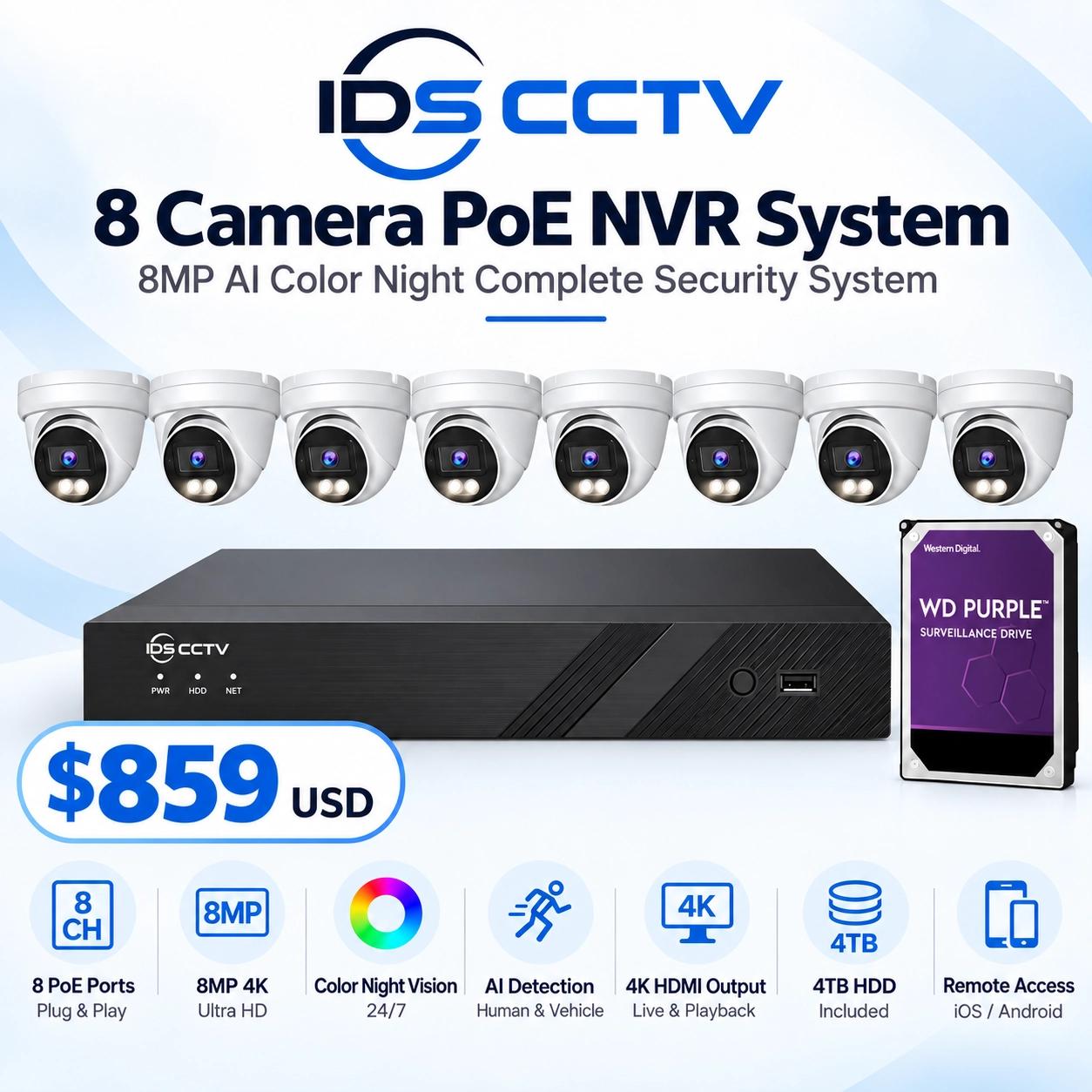
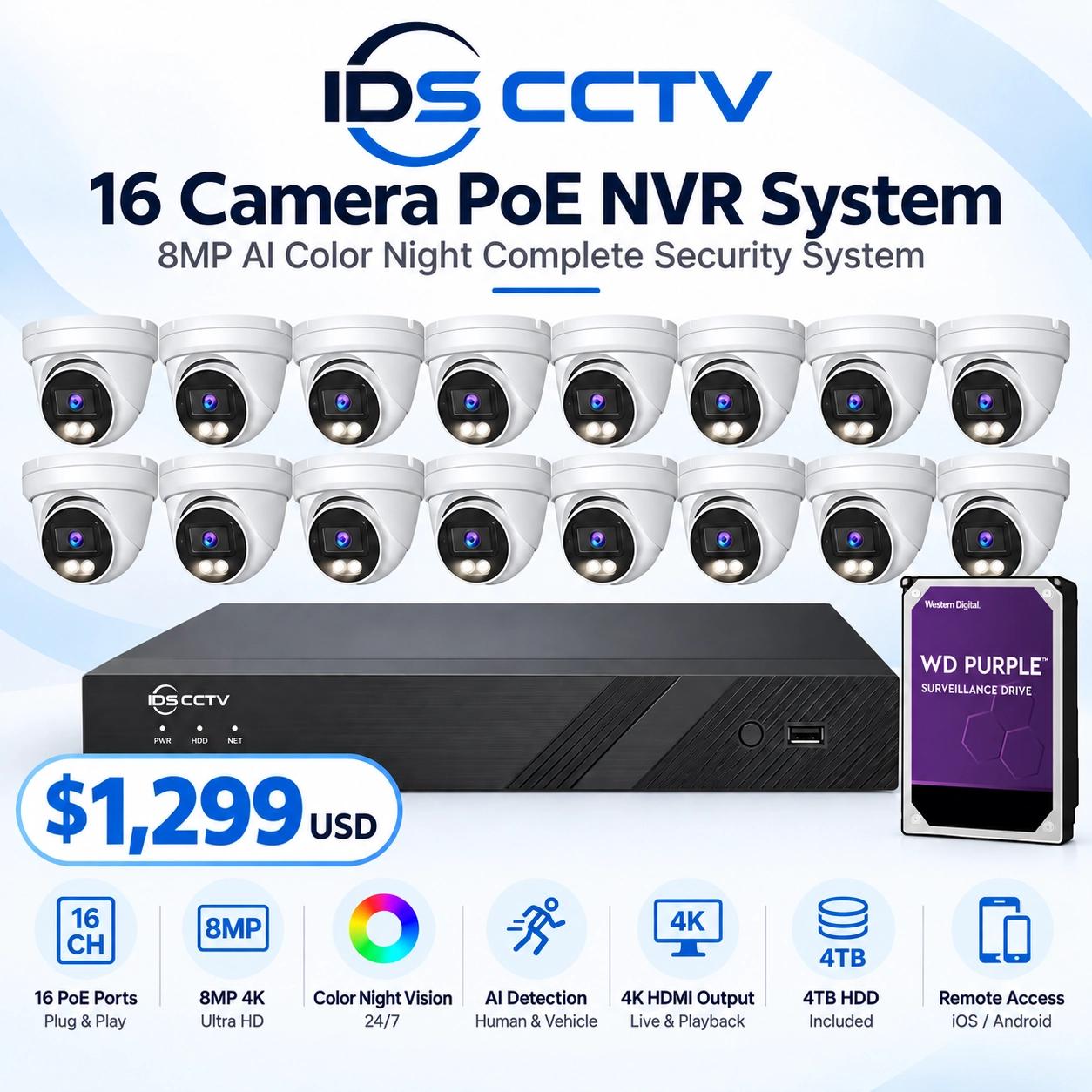
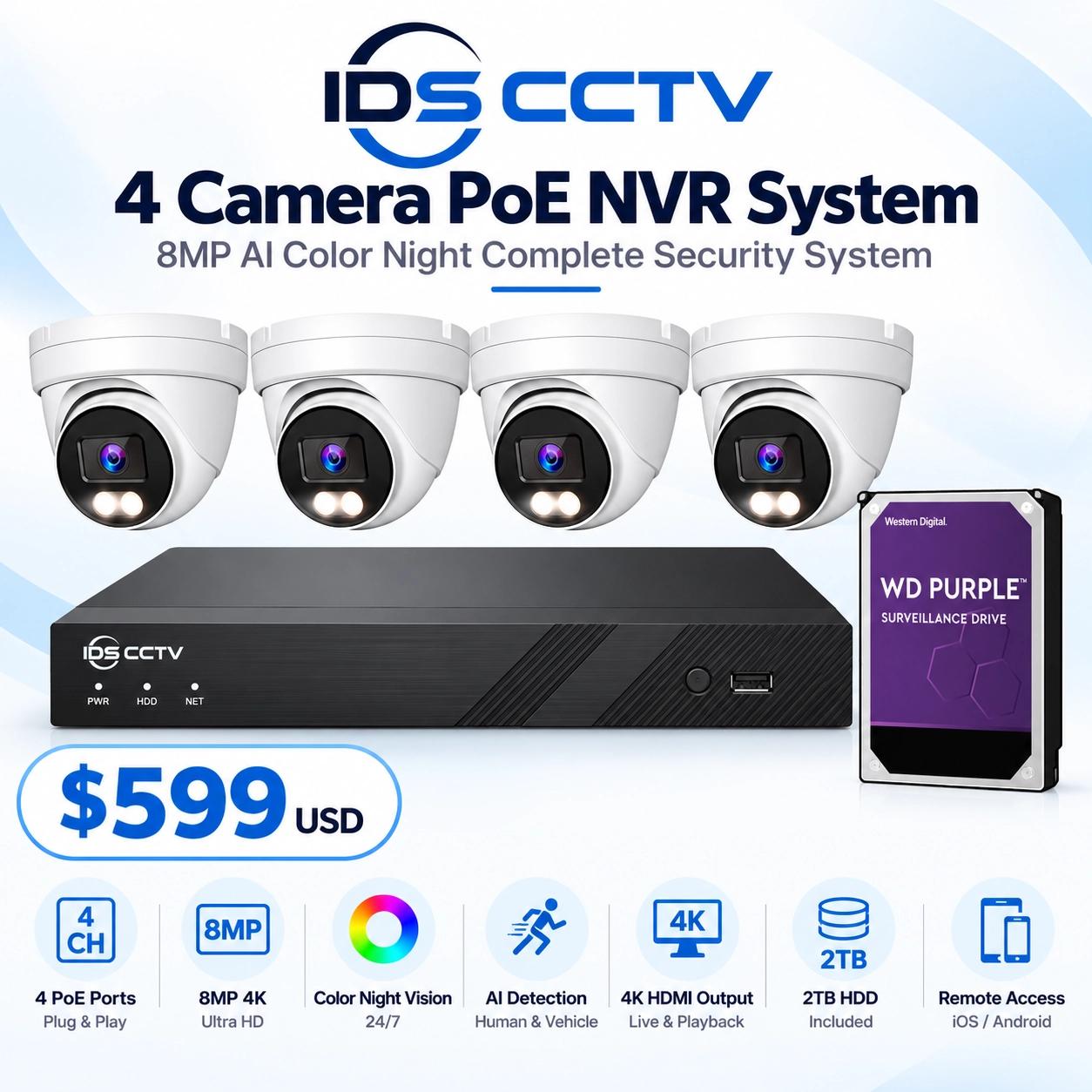
Current channel tiers available from , Hanwha, and Uniview: 4-ch, 8-ch, 16-ch, 32-ch, 64-ch, and 128-ch enterprise units. For most small commercial properties (under 20 cameras), a 16-channel unit hits the sweet spot on price and expandability.
Step 2 — Resolution Matters for Storage Planning
A 4MP camera recording 24/7 at full bitrate consumes roughly 40–55 GB per day. Scale that across 16 cameras and you need 640–880 GB per day of storage — meaning a 4 TB drive gives you barely five days of retention. Understanding this before you purchase saves expensive upgrades later.
Modern NVRs support H.265+ compression, which cuts typical storage requirements by 50–75% versus H.264. Always confirm your NVR and cameras are both set to H.265+ — mismatched codecs fall back to H.264 and waste drive space.
Step 3 — Calculate Your Retention Requirement
Florida law doesn't mandate a universal retention period, but industry standards by sector are:
- Retail: 30–60 days (for chargeback disputes and loss prevention review)
- Multi-family residential: 14–30 days
- Schools and government: 60–90 days minimum
- Hospitality: 30 days (insurance requirement for most Florida hotel policies)
Use this formula to estimate required storage: (cameras × daily GB per camera × retention days) ÷ 1024 = TB needed. Then add 20% overhead for drive health. Most modern NVRs support 2–4 internal drives plus optional external iSCSI or NAS expansion.
Step 4 — Bandwidth and PoE Budget
NVRs with built-in PoE switches power cameras directly over the ethernet cable. This simplifies installation dramatically — one cable per camera for both power and video. Key specs to verify:
- Total PoE budget: sum of all camera watt requirements must not exceed the NVR's PoE budget. A typical 16-ch NVR provides 200W — sufficient for sixteen 12W cameras.
- Per-port budget: most ports deliver 15.4W (802.3af) or 30W (802.3at/PoE+). Confirm your PTZ cameras or heated housings don't exceed per-port limits.
- Incoming bandwidth: the NVR's recorded bandwidth cap (e.g., 160 Mbps) must exceed the sum of all camera bitrates. At 4 Mbps per camera × 16 cameras = 64 Mbps — well within most NVR specs.
Step 5 — AI Features and Smart Search
Higher-tier NVRs from 's AcuSense line and Hanwha's Wisenet AI series include on-device deep learning that classifies people vs. vehicles vs. objects in real time. This enables:
- Smart event search: find all instances of a person in a red shirt crossing a zone in the last 30 days — in seconds instead of hours
- Perimeter protection: alarm only when a human crosses a boundary, ignoring animals and blowing debris (critical in Florida's outdoor environments)
- Face recognition and license plate capture logging
If your site will ever need forensic review for insurance claims, incidents, or law enforcement requests, AI-assisted search is a massive practical advantage.
Top NVR Models for Florida Commercial Sites
- DS-7616NXI-I2/S — 16ch AcuSense, 160 Mbps, 4K output, 2-SATA, 200W PoE. Best for mid-size commercial sites.
- DS-7732NXI-I4/S — 32ch AcuSense, 256 Mbps, 4-SATA bays. Warehouses, schools, larger retail.
- Hanwha QRN-1610S — 16ch, dual-SATA, Wisenet AI-ready. Strong choice for Hanwha camera systems.
- Uniview NVR302-16S — 16ch, H.265, 160 Mbps, PoE. Budget-friendly with solid remote access via EZView.
Summary Checklist
- Add 30% extra channels beyond today's camera count
- Confirm H.265+ codec support on both NVR and cameras
- Calculate retention storage: cameras × daily GB × days ÷ 1024 + 20%
- Verify PoE budget covers all cameras with headroom
- Choose AcuSense or AI-capable unit if forensic search matters
- Confirm NDAA compliance if the site is government-adjacent
IDS CCTV stocks all of the above NVR lines at wholesale pricing with free UPS shipping across Florida. Call (954) 903-0007 or request a quote online and our team will spec the right unit for your exact camera count and retention requirement.