
Is It Time to Upgrade?
If your security camera system is more than 5–7 years old, it's almost certainly an analog system — either traditional coax-based (CVBS) or HD-over-Coax (AHD/TVI/CVI). While these systems still function, they have significant limitations compared to modern IP cameras: lower resolution, limited remote access options, no AI analytics, and increasingly difficult-to-source replacement parts.
Analog vs. IP: The Core Differences
| Feature | Analog (HD Coax) | IP Camera |
|---|---|---|
| Max resolution | 5MP (most systems 1–2MP) | 4K+ common |
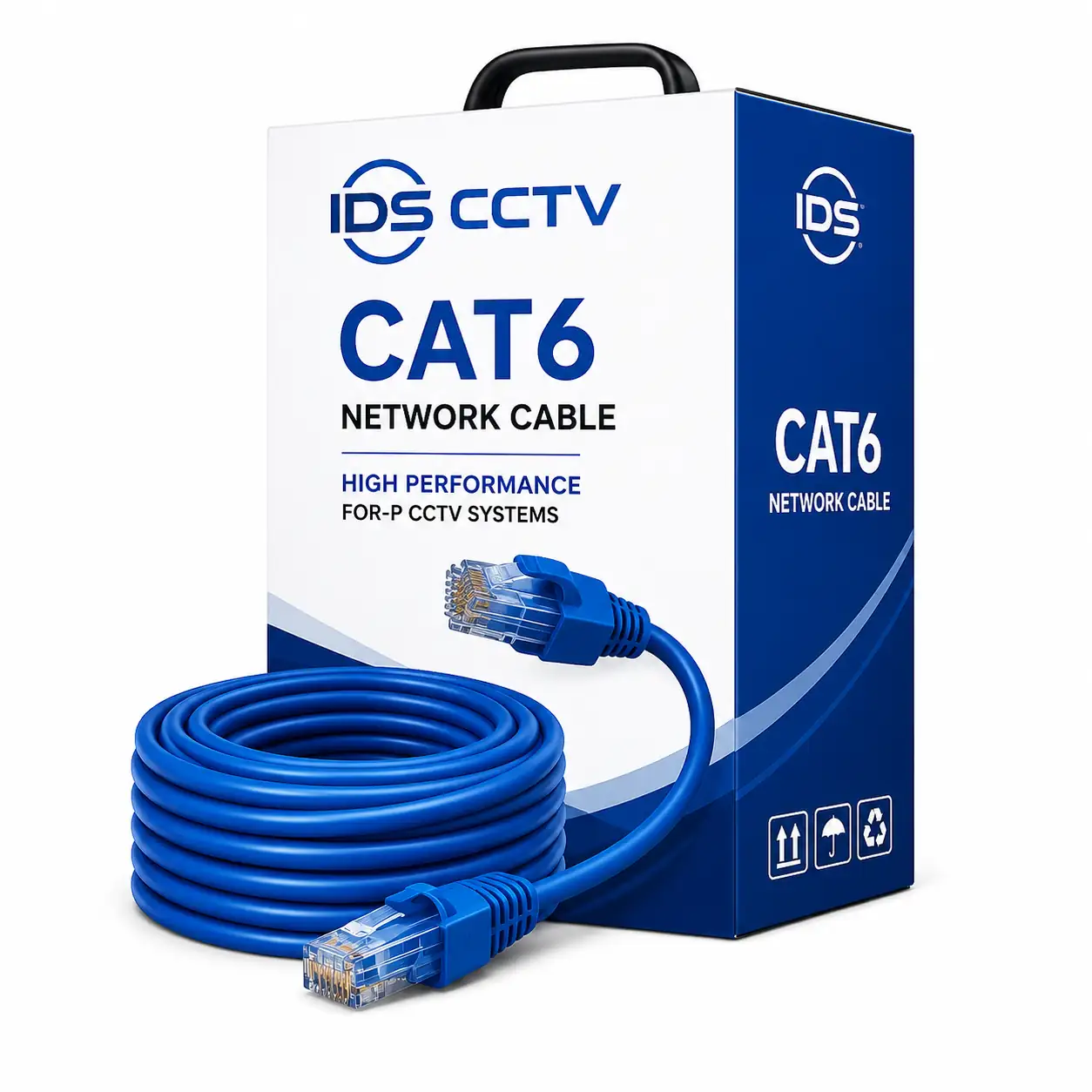
| Cabling | Coaxial | Cat5e/Cat6 (PoE) |
| AI analytics | Limited / none | Built-in on many models |
| Remote access | Basic | Full-featured apps |
| Audio | Separate cable | Via network cable |
| Scalability | Hard-wired channels | Flexible / PoE switch |
Three Upgrade Paths
Path 1: Full Replacement (Best Long-Term Option)
Replace all cameras, cabling, and the DVR with an IP camera system and NVR. New Cat6 cable is run to each camera location. This delivers maximum performance and the cleanest installation, but has the highest upfront cost and installation time due to new cable runs.
Best for: Facilities undergoing renovations, new construction additions, or systems with failing coax infrastructure.
Path 2: Hybrid DVR (Preserve Existing Coax)
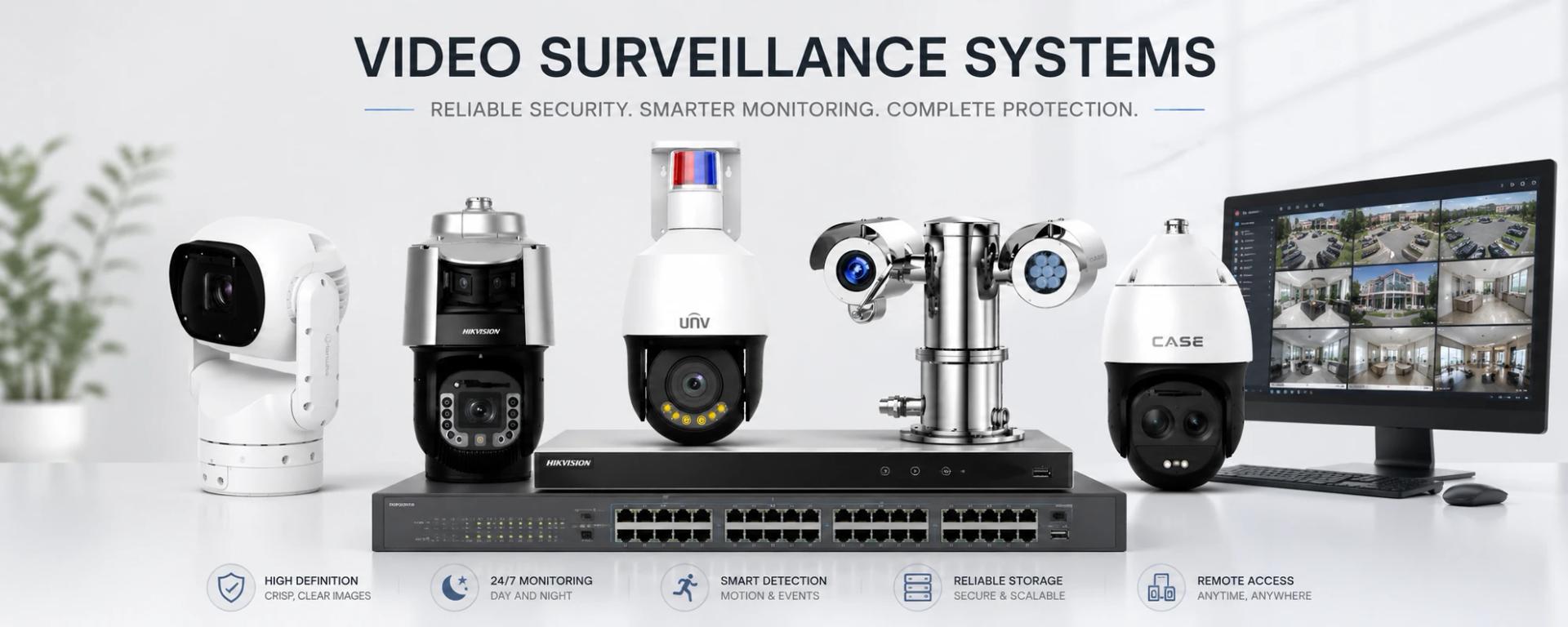
Replace only the DVR with a hybrid NVR that accepts both coax inputs and IP camera connections. Keep existing analog cameras on coax, add new IP cameras on network connections. This allows a phased migration — upgrading cameras one at a time while reusing existing wiring.
Best for: Cost-conscious upgrades where coax cabling is in good condition and complete replacement isn't feasible.
Path 3: Coax-to-IP Adapters
Ethernet-over-Coax (EoC) adapters convert existing coaxial cable to carry Ethernet, allowing IP cameras to be powered and connected through the legacy coax infrastructure. This is the most cost-effective approach when coax is intact and camera locations don't need to change.
Best for: Situations where running new cable is prohibitively expensive (finished ceilings, concrete walls, long distances).
Planning Your Migration
- Audit existing infrastructure: Document each camera location, cable condition, and cable routing. Identify which coax runs are damaged or inaccessible.
- Define upgrade priorities: Not all cameras need to be upgraded simultaneously. Start with high-priority coverage zones (entrances, cash handling areas) and migrate others over time.
- Select an NVR with growth capacity: Buy an NVR with more channels than your current camera count to accommodate future additions.
- Plan network infrastructure: IP cameras require network connectivity. Ensure your local network switch has sufficient PoE budget and bandwidth for your planned camera count.
- Budget for storage: IP cameras generate significantly more data than analog. A system that ran on a 2TB DVR may require 8TB or more when upgraded to 4MP IP cameras.
Common Mistakes to Avoid
- Replacing cameras without upgrading the NVR — old NVRs may not support new camera features or resolutions
- Underestimating storage requirements for higher-resolution cameras
- Buying no-name IP cameras that lack ONVIF support, making future VMS migration difficult
- Failing to update network infrastructure for the added bandwidth demand
Get a Migration Assessment
IDS CCTV provides free migration assessments for businesses and properties throughout South Florida. We'll evaluate your existing system, identify the most cost-effective upgrade path, and provide a detailed proposal with no obligation. Contact us to schedule a site visit.