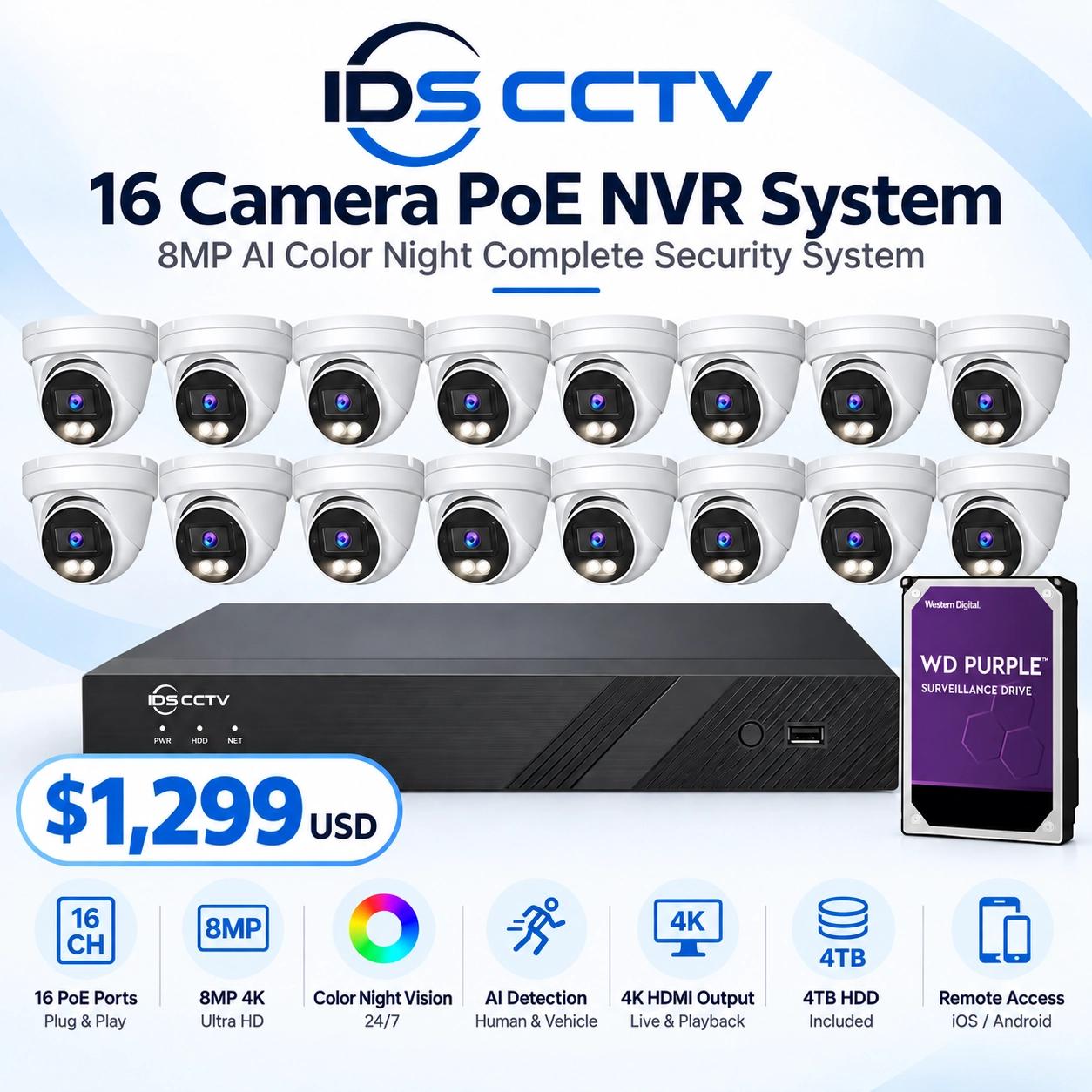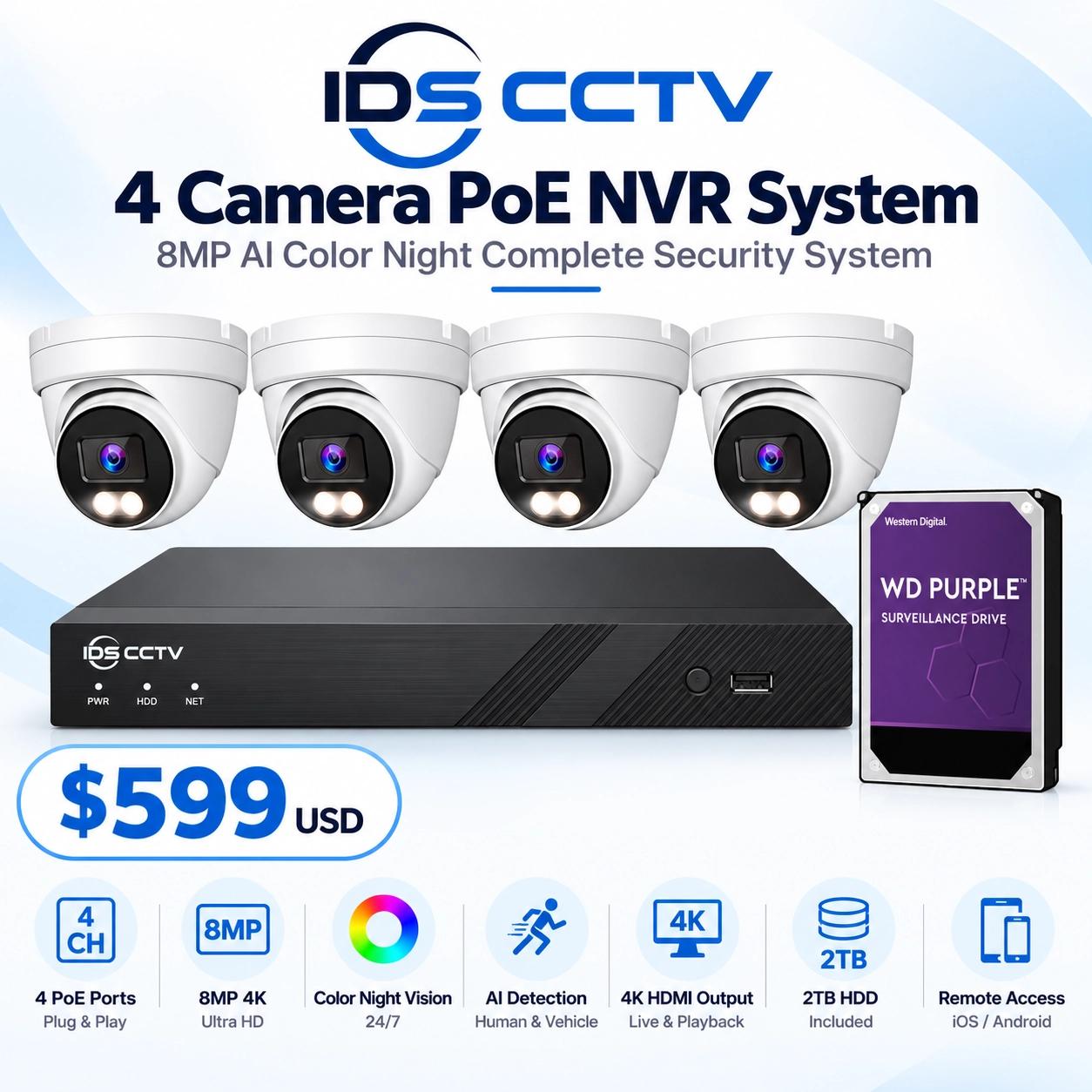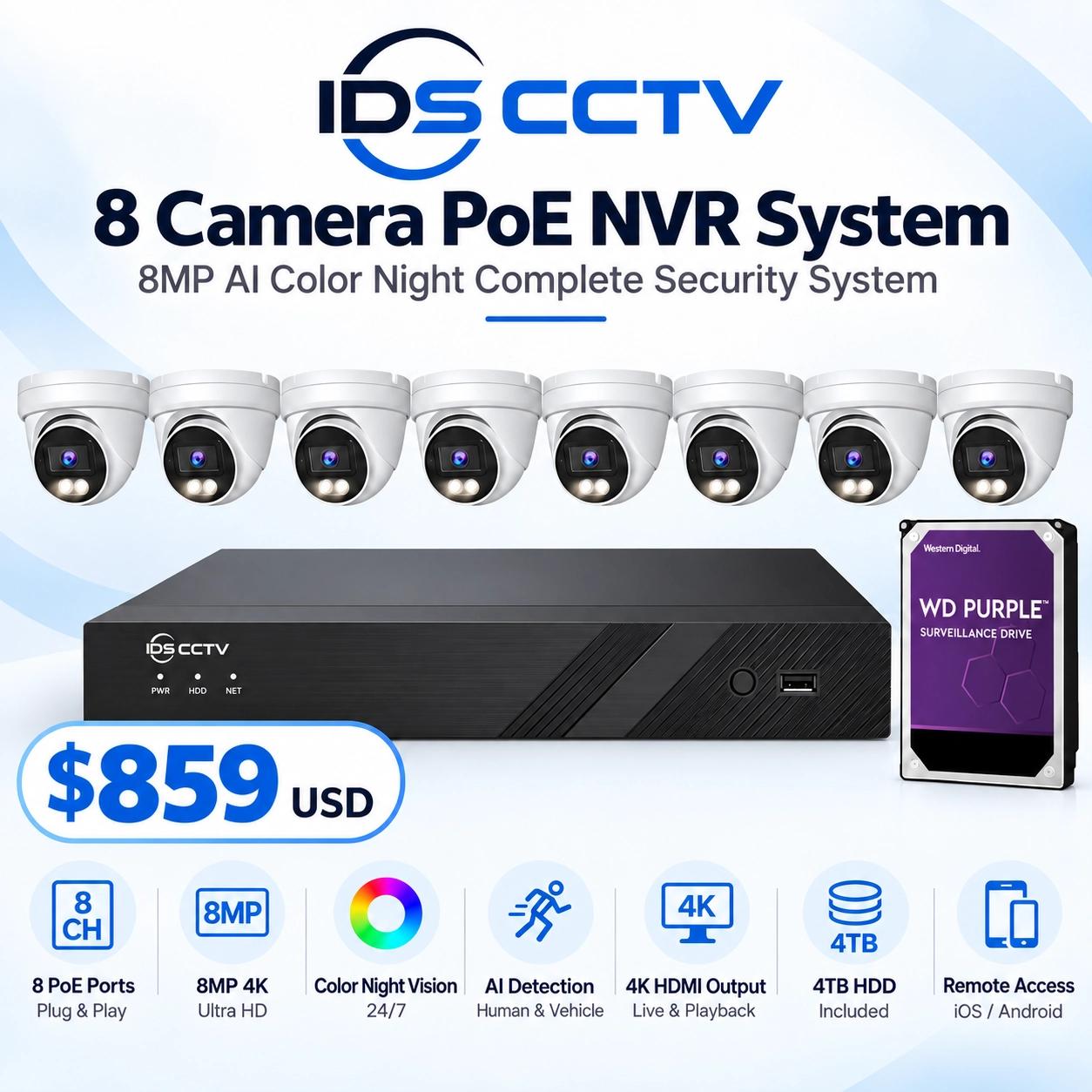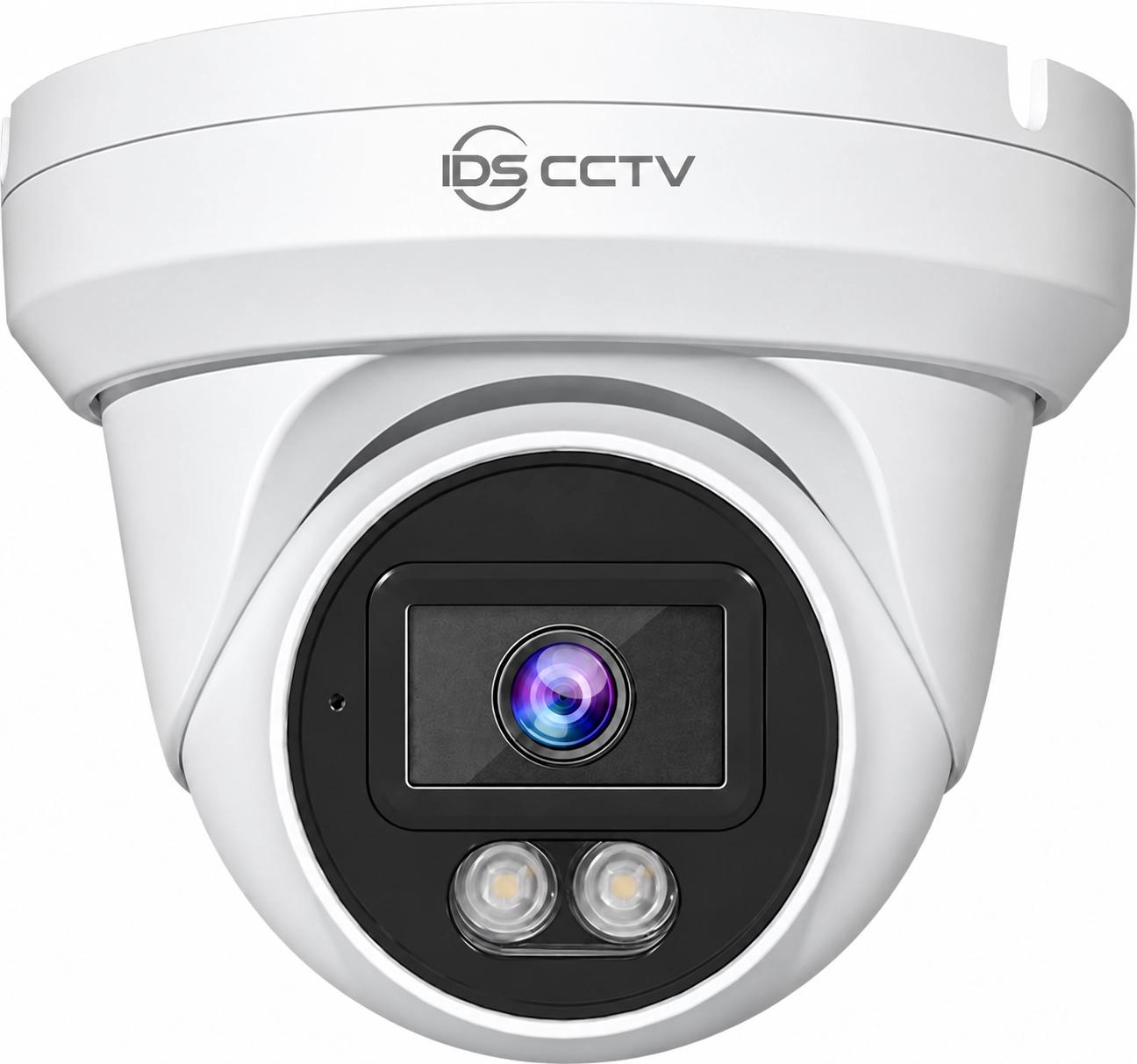


What Is a PoE Switch and Why Does It Matter for IP Cameras?
Power over Ethernet (PoE) technology allows a single CAT6 cable to carry both data and electrical power to an IP camera. This eliminates the need for a separate 120V power outlet near each camera — which in a commercial building could mean running electrical conduit to dozens of locations, adding significant labor and material cost to any installation.
A PoE switch sits in your IDF closet or equipment room and connects to your IP cameras via standard ethernet cables. Each port on the switch delivers both data connectivity (to your NVR) and power (to the camera) over the same cable. This is the standard deployment model for virtually all IP camera systems installed today.
PoE Standards: 802.3af, 802.3at, and 802.3bt
Not all PoE is equal. Three IEEE standards define different power delivery levels:
- 802.3af (PoE): Up to 15.4W per port. Sufficient for standard IP cameras (most fixed dome and bullet cameras draw 6–12W).
- 802.3at (PoE+): Up to 30W per port. Required for PTZ cameras with IR illuminators, heated enclosures, and some multi-sensor cameras.
- 802.3bt (PoE++): Up to 60W or 90W per port. Used for high-power PTZ cameras, video intercoms with displays, and pan-tilt units with powerful zoom lenses.
Check the power consumption specification of each camera model before selecting a switch. A PTZ camera drawing 25W will not function reliably on a port rated for 15.4W — it will cycle power repeatedly and produce unreliable footage.
Understanding PoE Budget
A PoE switch's total power budget is the maximum watts it can deliver across all active ports simultaneously. A 16-port switch might have a 200W PoE budget — sufficient for sixteen 12W cameras with headroom. But if you install twelve cameras drawing 12W each (144W) and add four PTZ cameras drawing 25W each (100W), your total draw is 244W — exceeding the 200W budget. The switch will throttle or cut power to cameras to protect itself.
To calculate your PoE budget requirement: sum the maximum power draw of all cameras, then select a switch rated for at least 120% of that total.
Managed vs. Unmanaged PoE Switches
Unmanaged switches are plug-and-play: cameras connect, power is delivered, data flows. They're appropriate for small deployments (8 cameras or fewer) in a single building where the NVR is on the same local network.
Managed switches add network control capabilities critical for larger or multi-site deployments:
- VLAN support: Isolate camera traffic from your business network for security
- PoE scheduling: Reboot cameras on a schedule or during off-hours
- Port monitoring: Detect when a camera goes offline and alert your IT team
- SNMP monitoring: Integrate into your network monitoring platform
- QoS (Quality of Service): Prioritize video traffic to prevent dropped frames during high network activity
For Florida commercial properties with more than 8 cameras, or any multi-site deployment, a managed PoE switch is the right choice.
PoE Extenders for Long Runs
The maximum cable run for PoE is 100 meters (328 feet). For cameras further than 100m from the switch — common on large commercial properties, parking lots, or Florida campuses — PoE extenders can extend the run by an additional 100m per unit, up to 4 units in series for a maximum of 500m total reach.
Recommended PoE Switches for Florida IP Camera Systems
- DS-3E0318P-E/M — 16-port 802.3af/at, 130W budget. Ideal for small to mid-size deployments.
- DS-3E0526HP-E — 24-port with 4 Hi-PoE ports (60W), 370W budget. Best for mixed PTZ + fixed camera deployments.
- UniFi USW-Pro-24-PoE — 24-port managed, 400W budget. Enterprise-grade for complex VLAN configurations.
- TRENDnet TPE-5240WS — 24-port managed 802.3at, 400W budget. Cost-effective managed option for Florida commercial sites.
Installation Tips for Florida
Florida's heat is the number one cause of premature PoE switch failure. Install switches in a ventilated enclosure or rack with at minimum 2U of open space above and below the unit. In non-air-conditioned IDF closets — common in Florida warehouses and light industrial buildings — the ambient temperature can reach 40°C (104°F) in summer. Verify the switch's operating temperature rating and install a small ventilation fan if needed.
IDS CCTV stocks PoE switches and accessories at wholesale pricing. Call (954) 903-0007 for current availability and pricing.