
This guide covers everything you need to know about smart home camera integration — from key features and available options to real product recommendations suitable for Florida installations. Whether you are an experienced security installer or a business owner planning your first CCTV system, this article will help you make an informed decision.
Vendor apps versus open platforms
Hik-Connect and equivalent apps cover viewing, playback and alerts well. Platforms like Home Assistant add automation but need RTSP or ONVIF streams to see the cameras.
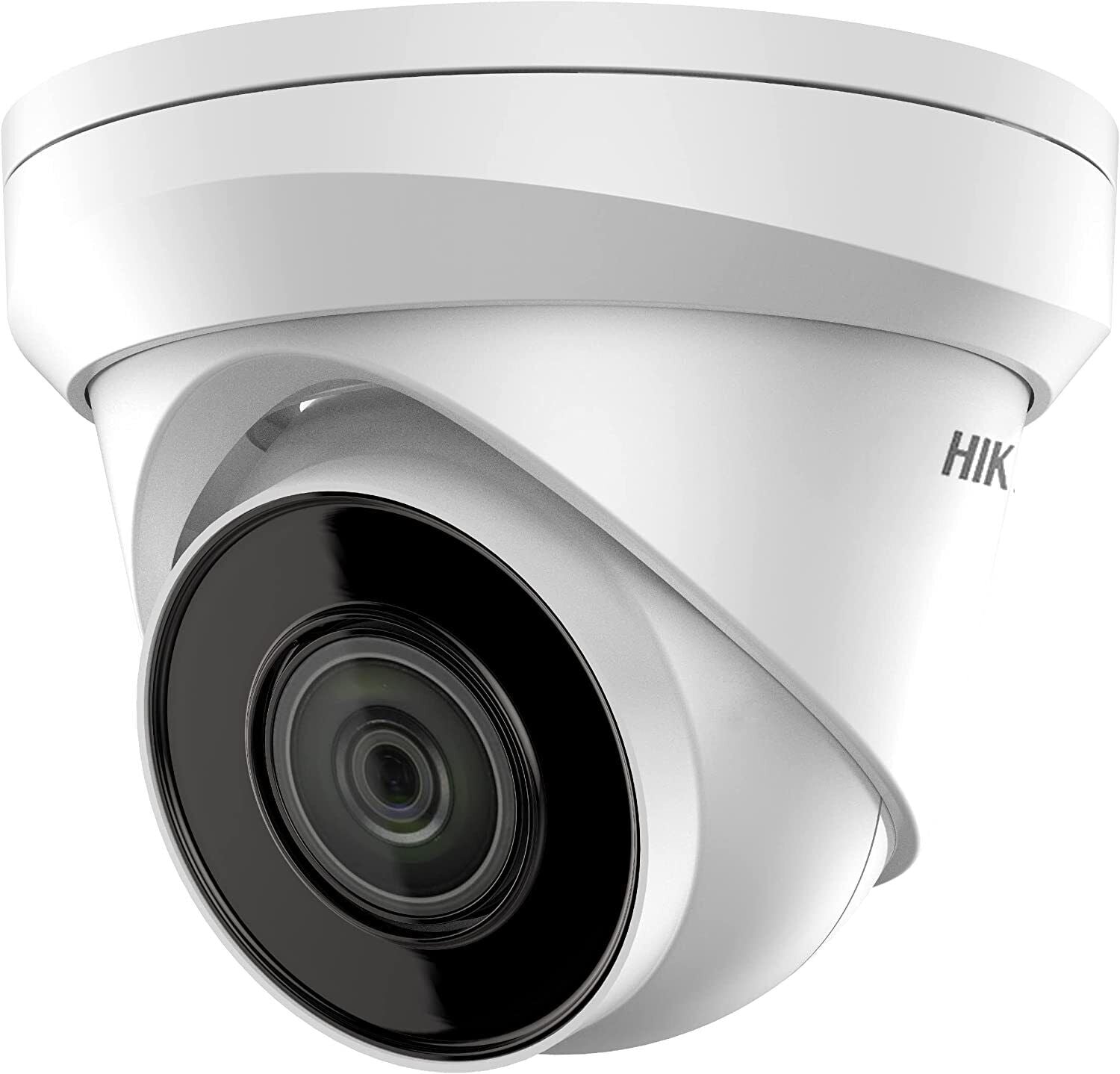
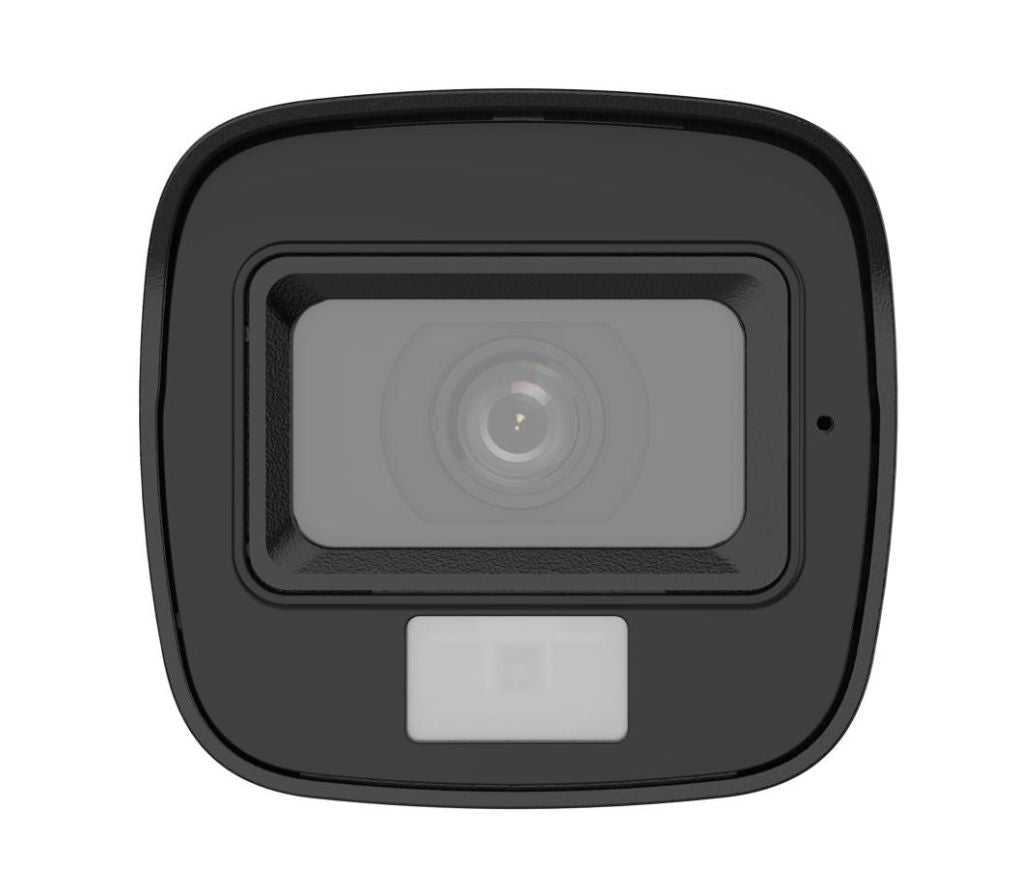
A top pick in this category is the DS-2CE16D0T-LFS Hikvision w/ audio CCTV Camera 2MP Smart Hybrid Light Mini, available from $46.24. This model delivers the performance and reliability that Florida installers depend on for consistent, high-quality video surveillance.
Building automation triggers
Expose camera events or motion sensors into the smart home hub so lights, sirens or notifications react to people, vehicles or line crossings.
- DS-2CE16D0T-LFS Hikvision w/ audio CCTV Camera 2MP Smart Hybrid Light Mini ($46.24) — <section class="intro" style="font-family:Arial,Helvetica,sans-serif; color:#222; line-height:1.
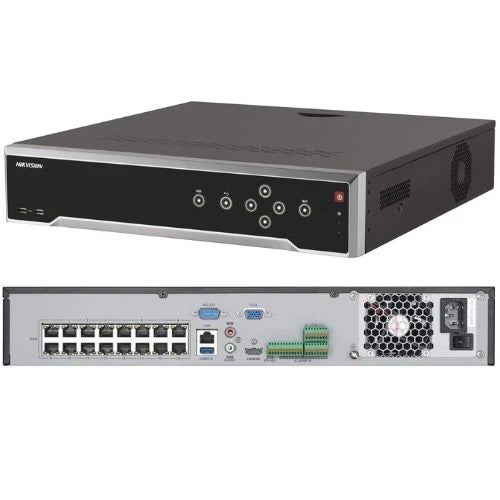
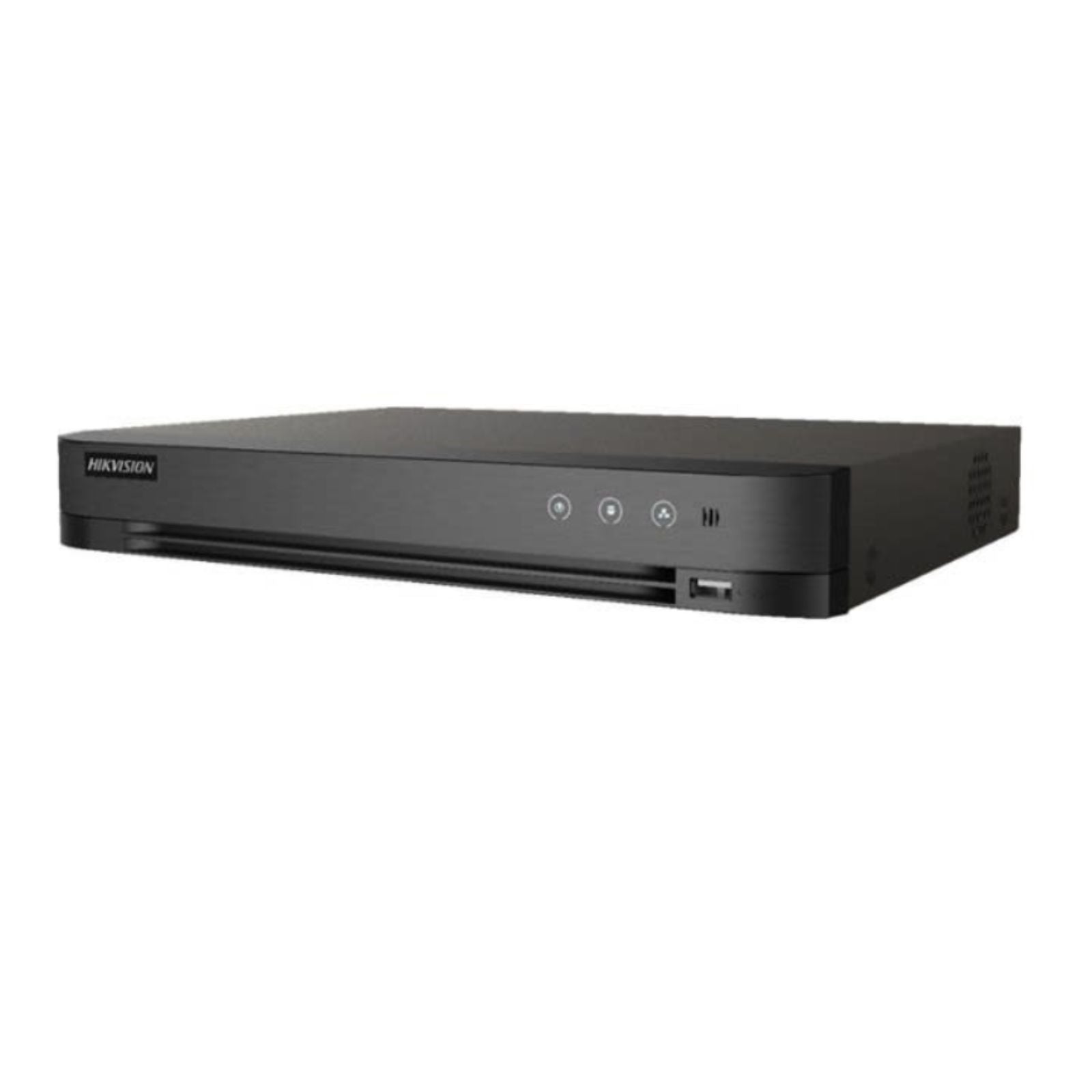
- Hikvision DS-7204HGHI-M1 4-Channel DVR with H.265 Pro+ and Smart Detection ($99.99) — <section class="product-description"> <h2>Hikvision DS-7204HGHI-M1 Description</h2> <p>When you are choosing a compact DVR, the real question usually is not just whether it records video.
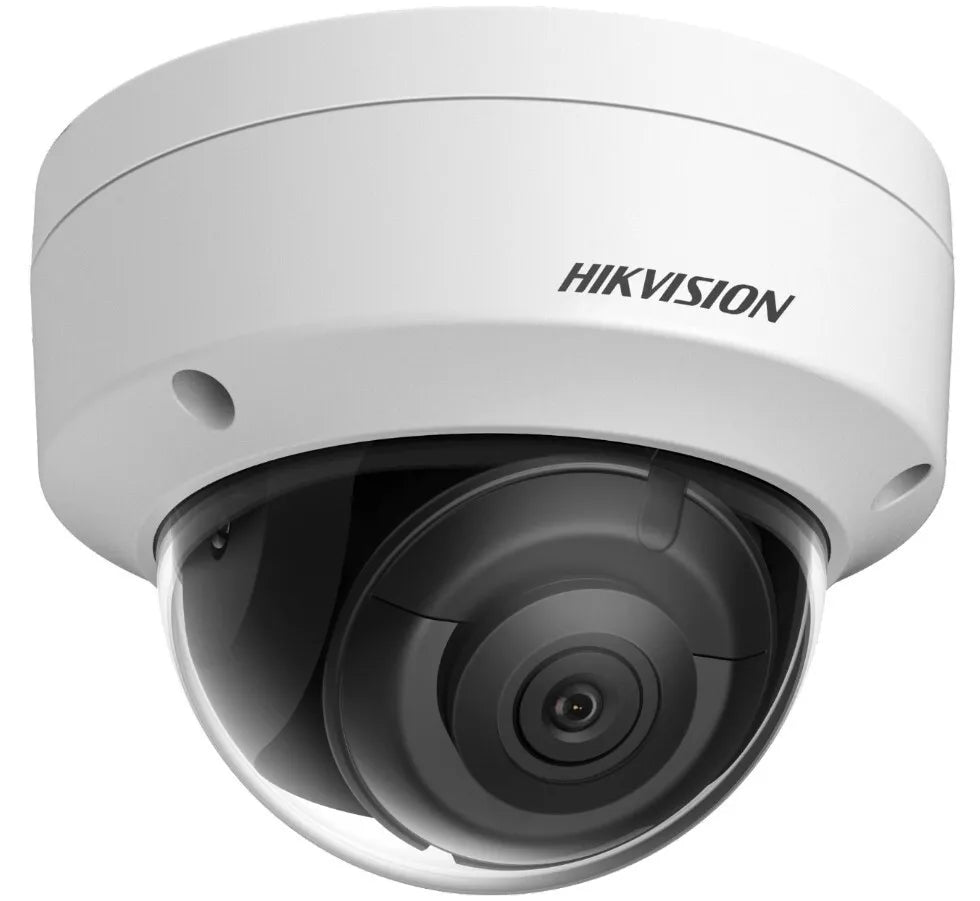
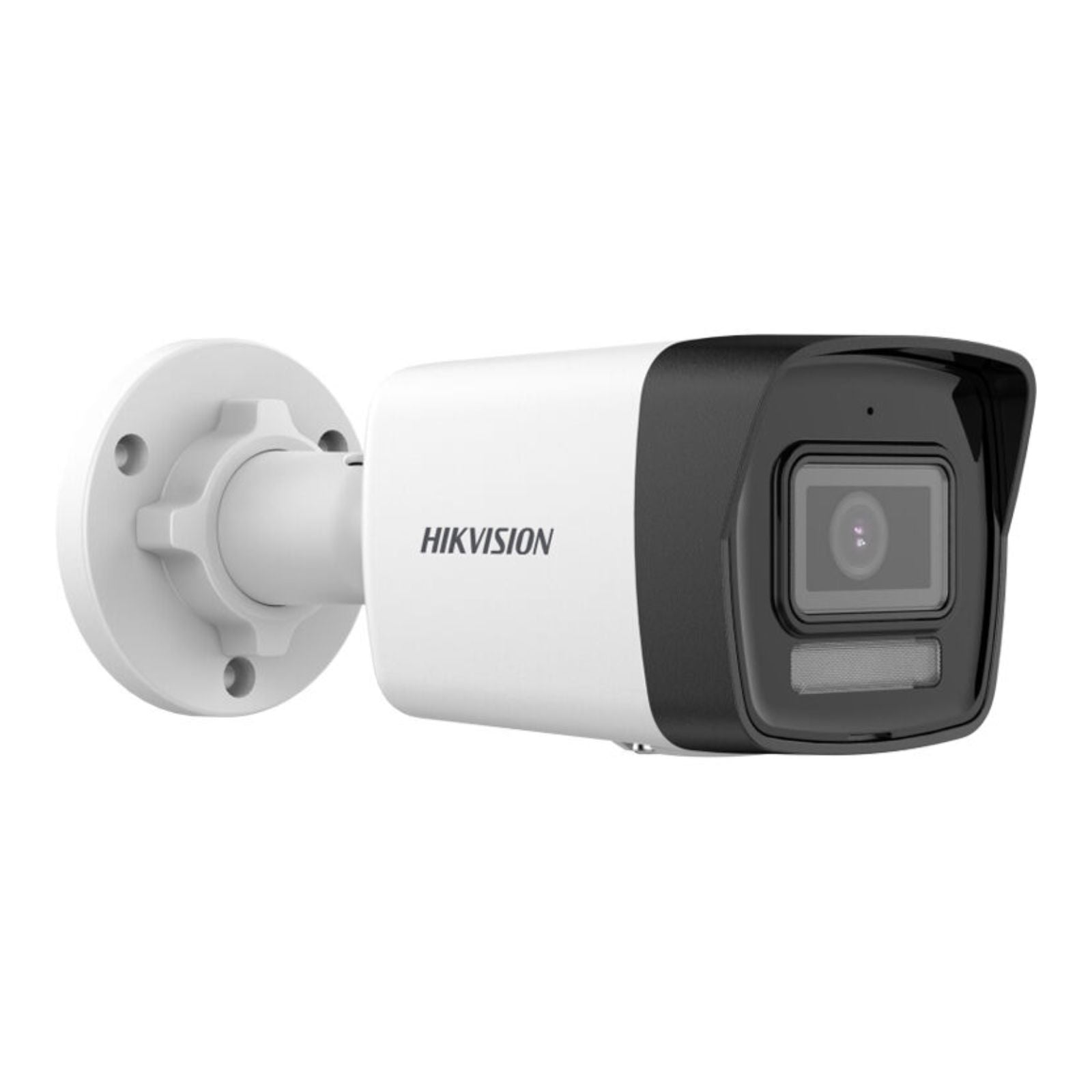
- Hikvision DS-2CD1043G2-LIUF 4MP Smart Hybrid Bullet Camera ($112.49) — <div class="product-description" style="font-family: Arial, Helvetica, sans-serif; color: #222; line-height: 1.
Where consumer hubs fall short
Cloud-dependent consumer cameras often cannot stream locally at full quality and break when the vendor changes terms, which is why professional cameras with RTSP are the safer base.
When implementing a smart home camera integration solution, evaluate your existing infrastructure, plan for future expansion, and account for site-specific conditions. The IDS CCTV team can help size, specify, and support your system. Contact our wholesale team →
Recommended products from IDS CCTV
Frequently asked questions
Can my NVR cameras work with Home Assistant?
Yes, if the NVR or camera provides RTSP or ONVIF streams, which nearly all professional models do.
Do I lose cloud features with local integration?
No. You can keep the vendor app for remote access while pulling the same stream into a local automation platform.
How much does DS-2CE16D0T-LFS Hikvision w/ audio CCTV Camera 2MP Smart Hybrid Light Mini cost?
Pricing starts at $46.24. Volume and bundle deals are available. Contact IDS CCTV for a quote →
Can I get help with my smart home camera integration project?
Yes. IDS CCTV provides design assistance, bill-of-materials review, and technical support. Reach out to our team →