
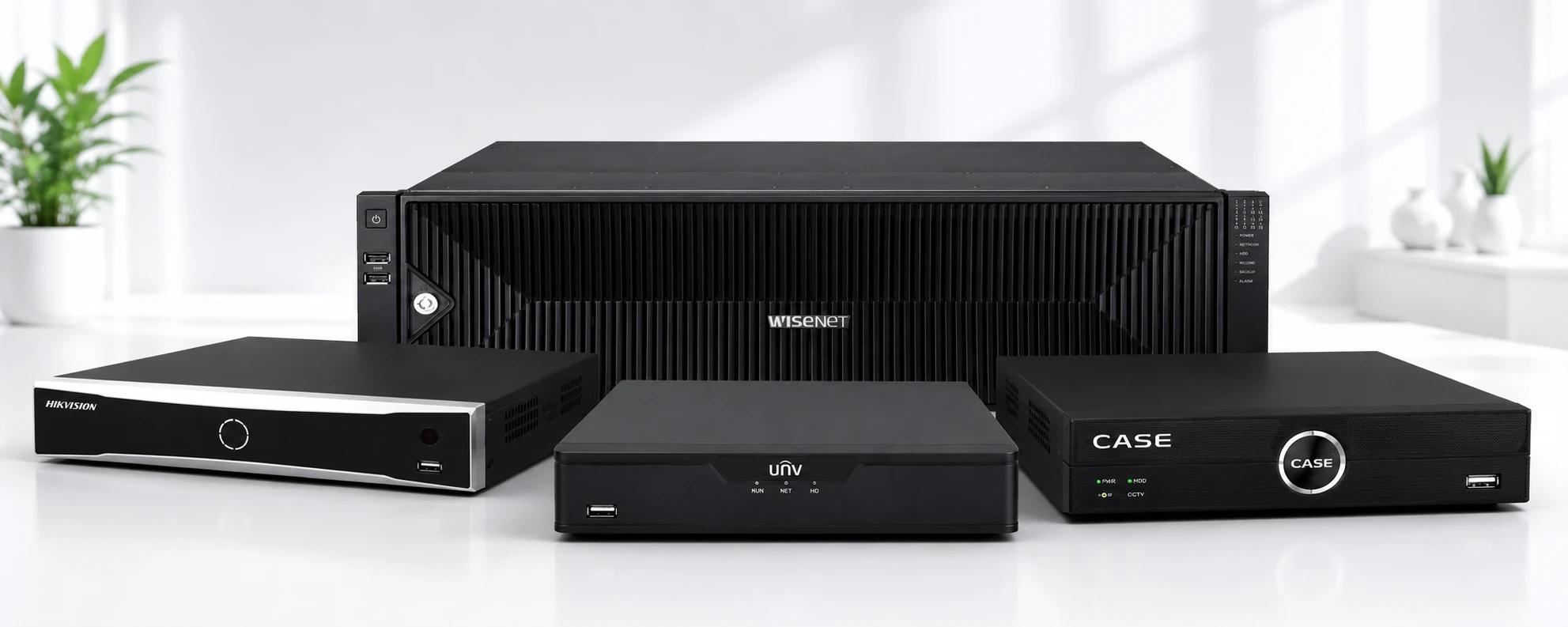
The Core Difference
The fundamental distinction is simple: a DVR (Digital Video Recorder) uses analog cameras connected by coaxial cable, while an NVR (Network Video Recorder) uses IP cameras connected over a network—either Cat5e/Cat6 Ethernet or Wi-Fi.
This difference in camera and cable type cascades into meaningful differences in resolution, installation flexibility, remote access, and cost.
DVR Systems: Analog CCTV
How They Work
Analog cameras capture video and send an uncompressed signal over coaxial cable (RG59 or RG6) to the DVR. The DVR digitizes and compresses the footage for storage and playback. Modern "HD over Coax" standards— Turbo HD (TVI), AHD, CVI, and CVBS—bring resolutions up to 5MP or 8MP (4K) over the same coaxial cabling used in older SD systems.
Advantages of DVR
- Coaxial cable runs up to 500m without signal degradation (Cat6 is typically limited to 100m without extenders)
- Lower cost per camera — analog cameras are generally 20–30% cheaper than equivalent IP cameras
- Works with existing coaxial cabling — ideal for retrofitting older buildings
- Simpler network requirements — no IP addressing, VLANs, or switch configuration needed
Disadvantages of DVR
- Maximum resolution is typically 4K—NVR/IP systems can support higher resolutions and more sophisticated AI processing
- No PoE — analog cameras require separate power runs to each camera
- Less flexible camera placement — new installations require running coaxial cable
- Fewer AI analytics options compared to IP camera ecosystem
NVR Systems: IP Cameras
How They Work
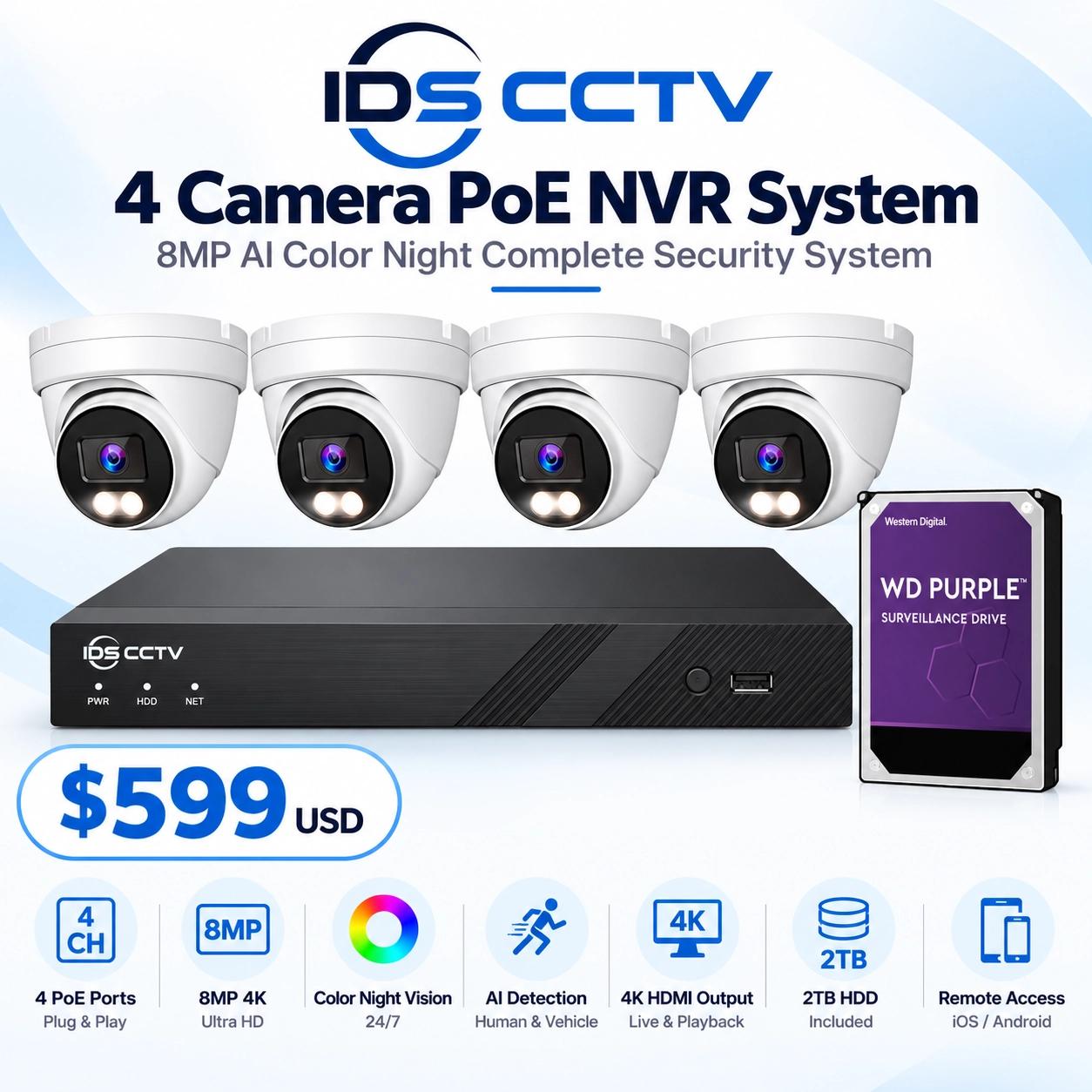
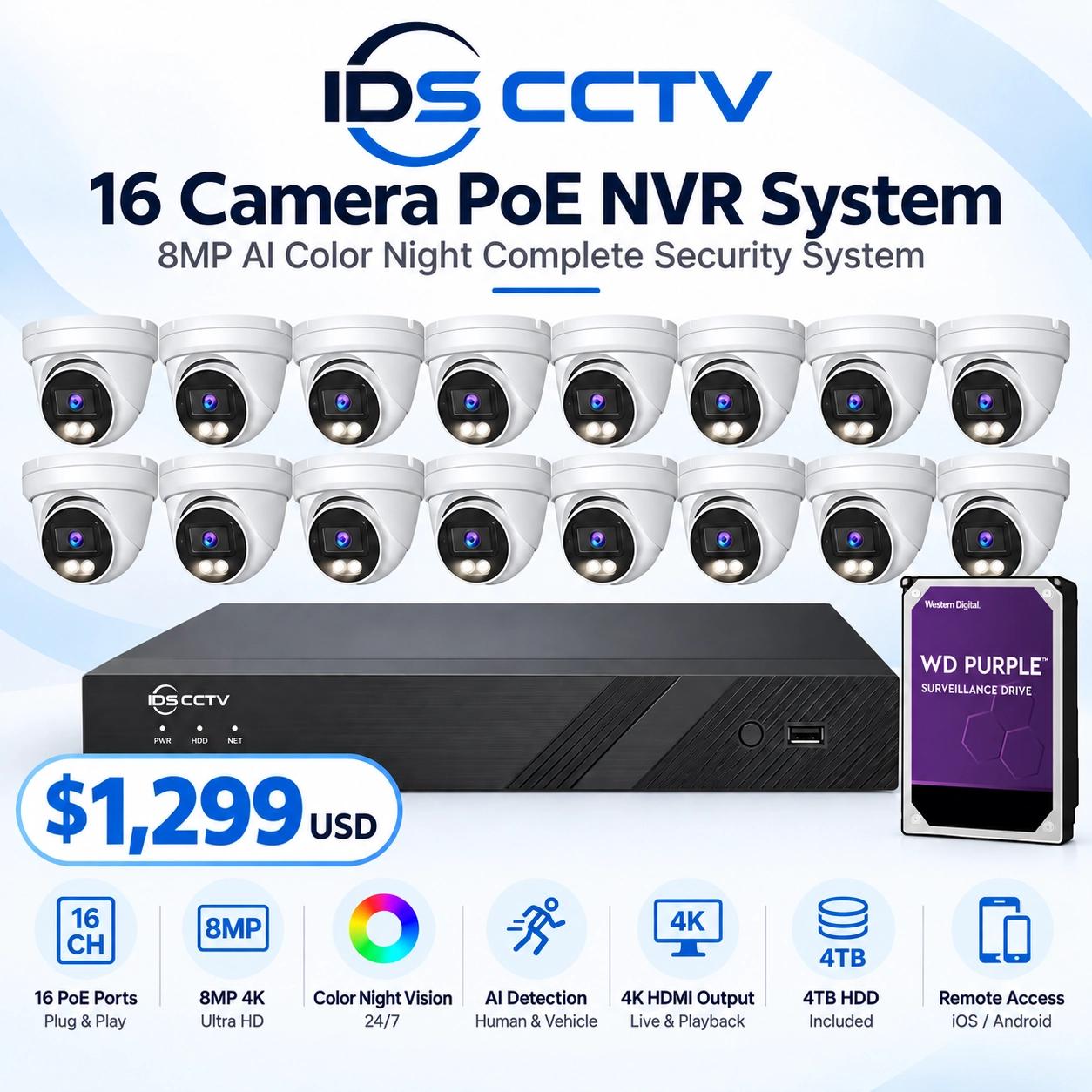
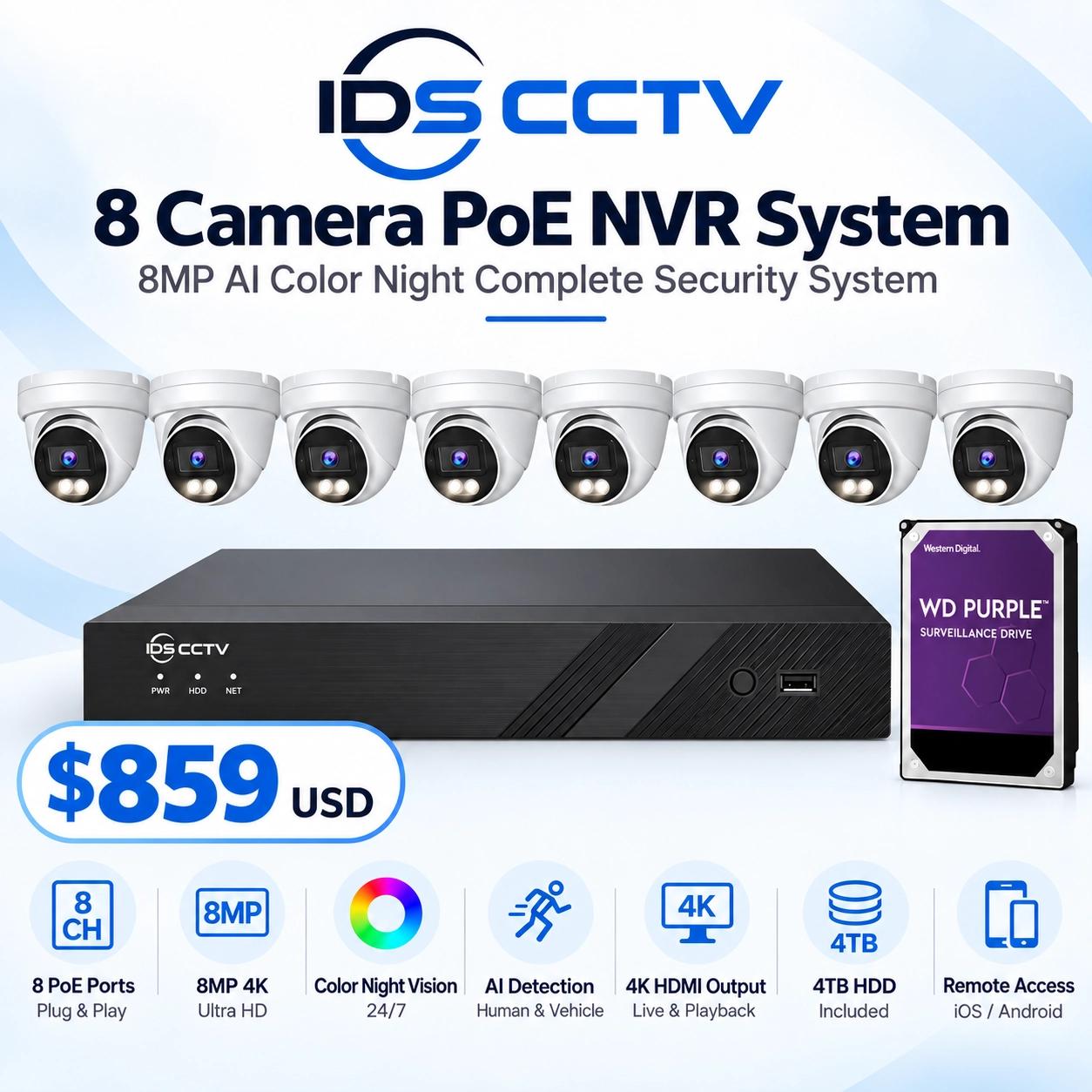
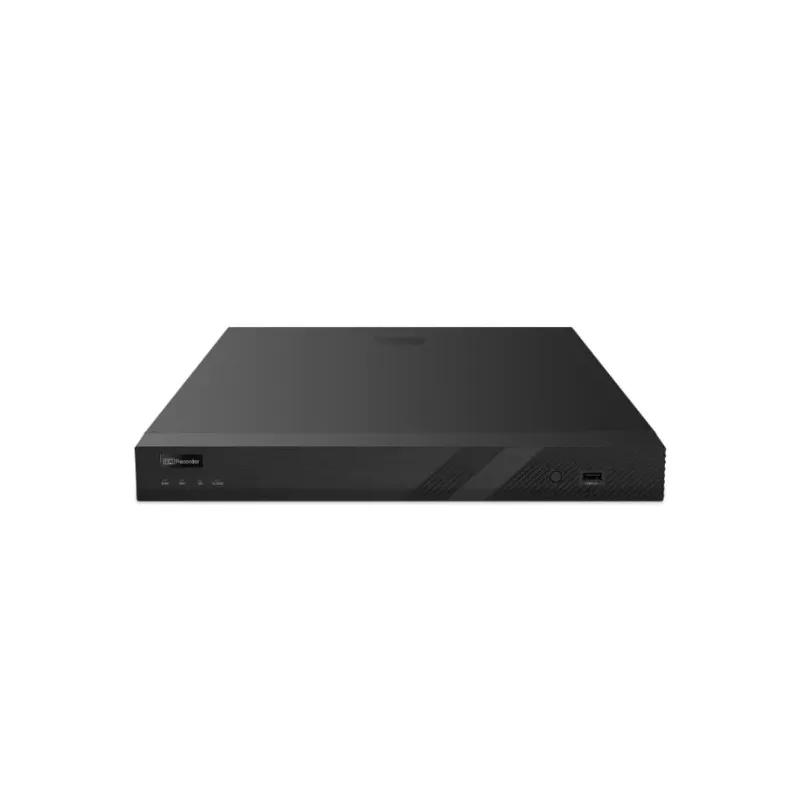
IP cameras compress video on-board and transmit digital data packets over a standard Ethernet network to the NVR. The NVR stores, manages, and streams this footage. Most NVRs include a built-in PoE (Power over Ethernet) switch so cameras receive both data and power from a single Cat5e/Cat6 cable.
Advantages of NVR
- Higher resolution ceiling — 4K and beyond, with 8MP and 12MP cameras available
- PoE: one cable for power + data — simpler, cleaner installation
- Advanced AI analytics — AcuSense, face recognition, license plate recognition, crowd analytics
- Flexible placement — cameras can be placed anywhere on the network, including remote locations
- Easier remote access and integration with VMS software and mobile apps
Disadvantages of NVR
- Cat6 cable is limited to 100m per run (without extenders or switches)
- Slightly higher upfront cost per camera
- Requires basic network knowledge for configuration
- Vulnerable to network issues — a switch failure can affect multiple cameras
Side-by-Side Comparison
| Feature | DVR (Analog) | NVR (IP) |
|---|---|---|
| Camera connection | Coaxial (RG59/RG6) | Cat5e/Cat6 Ethernet |
| Max cable run | Up to 500m | 100m (per segment) |
| Power method | Separate power run | PoE (single cable) |
| Max resolution | Up to 8MP (4K) | 12MP+ available |
| AI analytics | Limited | Full AcuSense, face recognition, LPR |
| Cost per camera | Lower | Slightly higher |
| Best for retrofits | Yes (uses existing coax) | Only if Cat6 exists |
| Remote access | Good | Excellent |
Which Should You Choose?
Choose DVR if:
- You're upgrading an existing analog system with coaxial cabling already in the walls
- Your cable runs exceed 100m and you don't want to install extenders
- Budget is the primary constraint and AI analytics aren't required
- You're in a location where network infrastructure is limited
Choose NVR if:
- You're starting a new installation from scratch
- You need AI-powered detection (AcuSense, face recognition, LPR)
- Cameras need to be placed in locations that are already networked
- You want the cleanest installation (single cable per camera)
- Future scalability and remote management are priorities
Hybrid Options
and other manufacturers offer hybrid DVRs that accept both analog (TVI/CVI/AHD) and IP cameras. This is useful for phased upgrades: keep your existing analog cameras, add IP cameras to new areas, and manage everything from one recorder. When you're ready to fully transition to IP, swap out the analog cameras over time without replacing the recorder.
Shop DVRs and NVRs at IDS CCTV
IDS CCTV stocks the full , Hanwha, Uniview, and CASE DVR and NVR range at wholesale pricing. Same-day shipping from Hollywood, FL. Browse our NVR catalog and DVR catalog or call (954) 903-0007 for help sizing your system.