

Three Variables That Define Your NVR Requirements
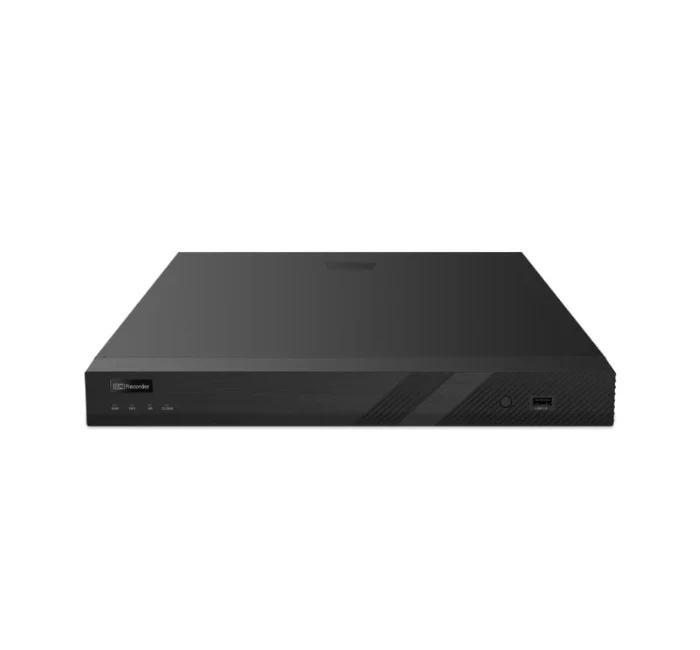
Every NVR purchase decision comes down to three core specifications: channel count (how many cameras it can handle), resolution support (maximum camera resolution it can record), and storage capacity (how much drive space it can accommodate). Get all three right and your NVR becomes a reliable long-term investment. Underspec any one of them and you'll face limitations almost immediately.
Channel Count: Always Buy More Than You Need Today
Channel count is the most common sizing mistake. Buyers purchase an 8-channel NVR for 8 cameras, and within a year find they need 9, 10, or 12 cameras. There's no way to add channels to a fixed-channel NVR — you have to replace the entire unit.
Rule of thumb: purchase an NVR with at least 30–50% more channels than your current camera count.
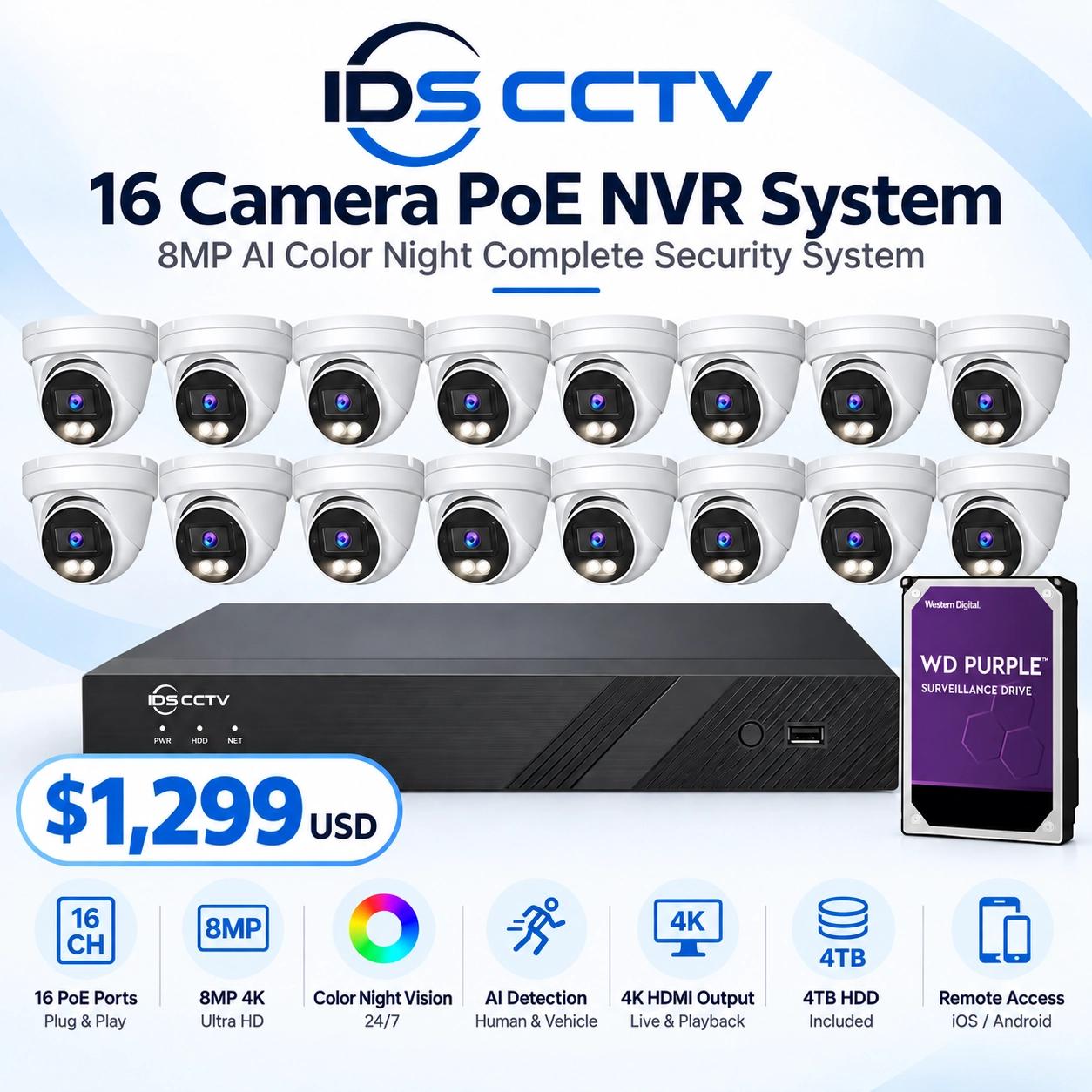
- 6 cameras today → buy a 16-channel NVR
- 12 cameras today → buy a 16-channel or 32-channel NVR
- 20 cameras today → buy a 32-channel NVR
The price difference between an 8-channel and 16-channel NVR from is typically $50–$100 — far less than the cost of replacing a fully deployed system two years from now.
Resolution: Matching NVR to Camera Specs
NVRs are rated for maximum resolution per channel and total recorded bandwidth (Mbps). Key resolution tiers and their typical use cases:
| Resolution | Megapixels | Best For |
|---|---|---|
| 1080p | 2MP | Interior corridors, low-risk zones |
| 4MP | 4MP | Standard commercial — entrances, retail, parking |
| 4K/8MP | 8MP | Critical zones — cash handling, entrance identification |
| 12MP | 12MP | Large open areas where digital zoom is needed |
Verify the NVR's per-channel maximum resolution supports your highest-resolution cameras. Some entry-level NVRs cap at 4MP per channel — pairing them with 8MP cameras results in recording at 4MP despite the higher camera capability.
Bandwidth: The Often-Missed Bottleneck
Beyond per-channel resolution, NVRs have a total recorded bandwidth ceiling (e.g., 80 Mbps, 160 Mbps, 256 Mbps). If the combined bitrate of all your cameras exceeds this ceiling, the NVR will drop frames or reduce quality across all channels to stay within the limit.
Calculate your total bandwidth requirement: cameras × bitrate per camera = required NVR bandwidth. For H.265+ at 4MP, typical bitrate is 2–4 Mbps per camera. A 16-camera system at 3 Mbps average = 48 Mbps total — well within a 160 Mbps NVR. Adding 4K cameras at 8 Mbps each changes the math significantly.
Storage Capacity: Drive Bays and Total TB
NVR storage is determined by the number of internal SATA drive bays and the maximum capacity drive each bay supports. Common configurations:
- 2-bay NVR: Up to 8–16 TB internal (2 × 4–8 TB drives)
- 4-bay NVR: Up to 32–64 TB internal (4 × 8–16 TB drives)
- 8-bay enterprise NVR: Up to 128 TB+ internal
For deployments requiring more storage than an internal bay configuration allows, most commercial NVRs support external expansion via iSCSI (network-attached storage) or eSATA.
Storage required formula: cameras × avg bitrate (Mbps) × 86,400 sec/day × retention days ÷ (8 × 1,000,000,000) × 1.2 overhead = TB needed.
PoE vs. Non-PoE NVRs
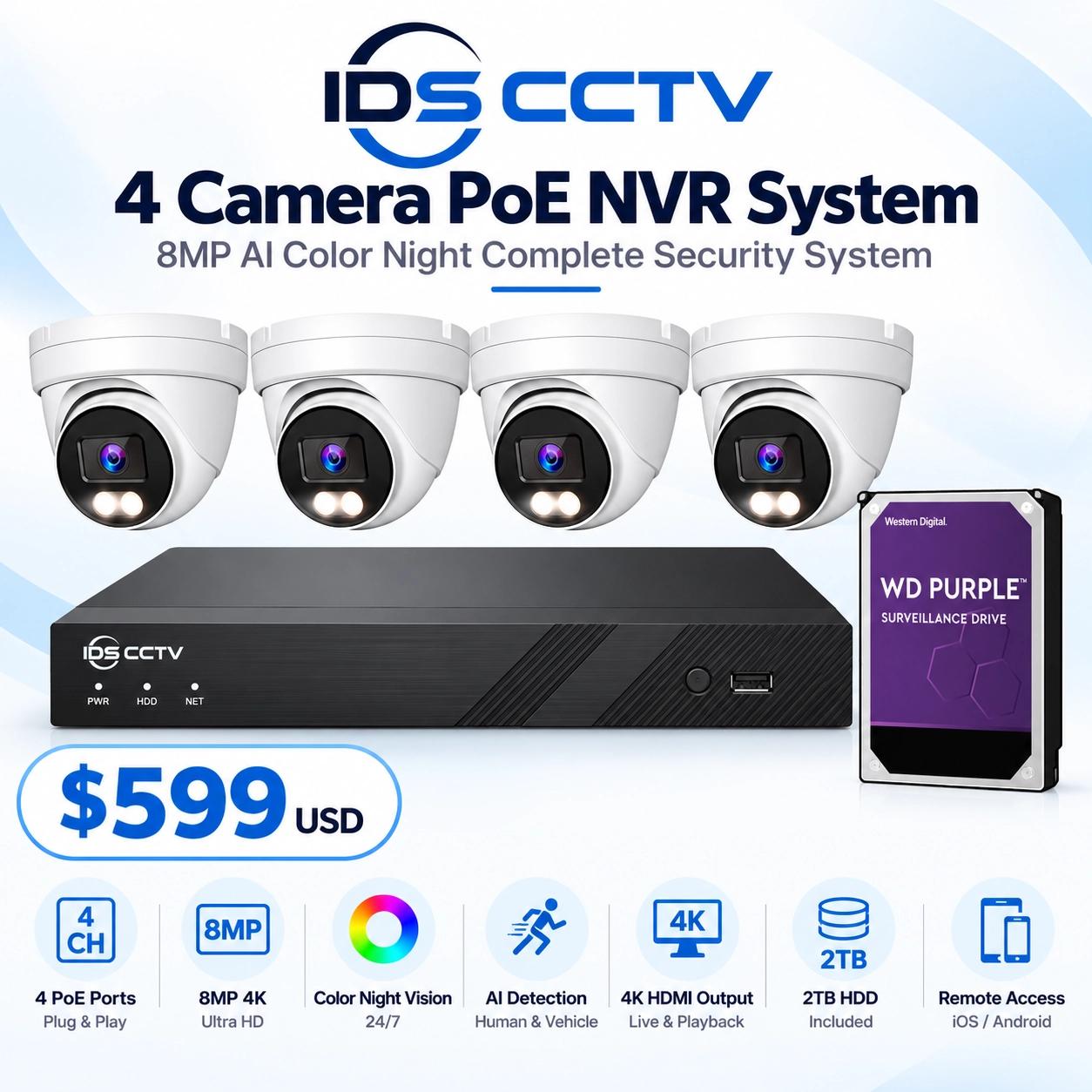
NVRs with built-in PoE ports power cameras directly — no separate PoE switch required. This simplifies installation and reduces equipment count. Best for deployments where all cameras are within 100m of the NVR location. For larger deployments with cameras distributed across a campus or multi-floor building, a non-PoE NVR combined with managed PoE switches at each IDF offers more flexibility.
Recommended NVR Models for Florida Commercial
- DS-7616NXI-I2/S — 16ch, AcuSense, 2-bay, 160 Mbps, 200W PoE. Best value 16-ch for Florida commercial.
- DS-7632NXI-I4/S — 32ch, AcuSense, 4-bay, 256 Mbps. Warehouses and larger sites.
- Hanwha QRN-1610S — 16ch, dual-bay, Wisenet AI-ready. Excellent for Hanwha camera deployments.
- Uniview NVR302-16S — 16ch, H.265, 160 Mbps. Budget-friendly with solid performance.
IDS CCTV stocks all of the above at wholesale pricing. For a custom NVR recommendation based on your camera count and retention requirement, call (954) 903-0007.