
The Cable Debate: Why It Matters
When planning a security camera installation, cabling is often treated as an afterthought — but it's one of the most consequential decisions you'll make. Running cable through walls, ceilings, and conduit is expensive and disruptive. If you wire a building with the wrong cable type, you may face a complete re-wire when you want to upgrade your cameras — a cost that can easily exceed the original installation.
The short answer for 2026: use CAT6 (ethernet) for IP/PoE cameras; use RG59 coaxial only if you're specifically committed to a pure analog CCTV system and won't be upgrading to IP.
What Is RG59?
RG59 is a type of coaxial cable — a copper conductor surrounded by insulation, metallic shielding, and an outer jacket. RG59 has been the standard wiring for analog CCTV camera systems for decades. It carries the video signal (baseband video, typically 75-ohm impedance) and requires a separate power cable (18/2 or 18/4 wire) to power the camera.
Key specs:
- Impedance: 75 ohms
- Max run length (standard CCTV): 300m (1000 ft) without amplifier
- Signal type: Analog video (CVBS, AHD, HD-CVI, HD-TVI)
- Power: Separate power cable required
- Bandwidth: Limited by analog signal
What Is CAT6?
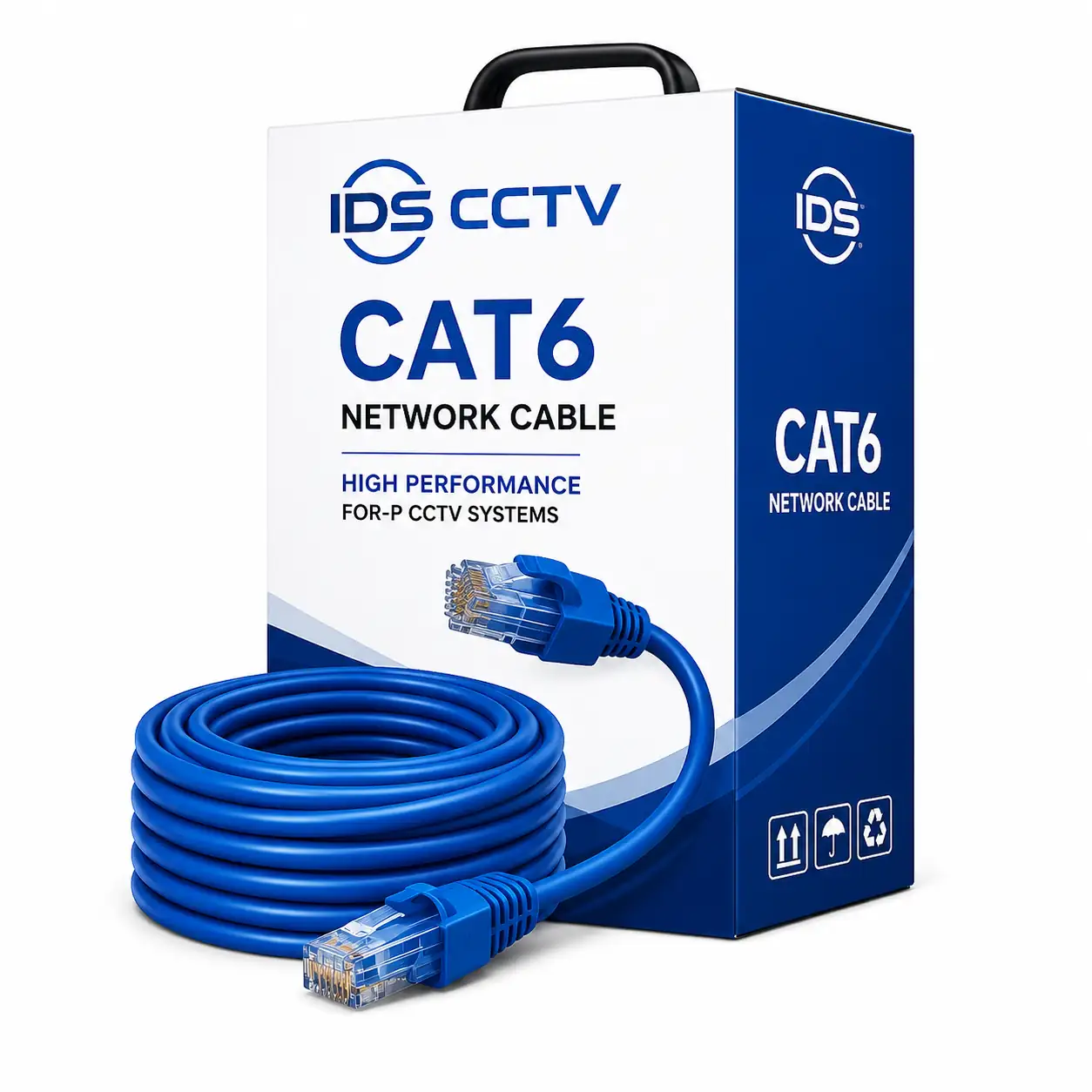
CAT6 (Category 6) is a twisted-pair ethernet cable consisting of 4 pairs of copper conductors. It supports both 10/100/1000 Mbps ethernet and, critically for security cameras, Power over Ethernet (PoE) — delivering both power and data over a single cable. CAT6 is the standard cable for IP security cameras.
Key specs:
- Maximum run length: 100m (328 ft) per segment
- Bandwidth: 250 MHz (CAT6), 500 MHz (CAT6A)
- Signal type: Digital ethernet (supports any IP device)
- Power: PoE (IEEE 802.3af/at/bt) — up to 90W per cable
- Data rate: Up to 10 Gbps at shorter distances
Head-to-Head Comparison
| Factor | RG59 Coaxial | CAT6 Ethernet |
|---|---|---|
| Camera type supported | Analog CCTV only | IP cameras (any brand) |
| Max resolution | 5MP (HD-TVI/CVI); 4K limited | Unlimited (4K, 8MP, 12MP) |
| Power delivery | Separate power cable needed | PoE — single cable for power + data |
| Max run length | 300m (1000 ft) | 100m (328 ft) per segment |
| Future compatibility | Limited — analog only | Fully future-compatible |
| AI analytics support | Limited (edge only) | Full IP analytics support |
| Cost per 100m (cable only) | $15–$30 (+ power cable $10–$20) | $15–$35 |
| Installation complexity | BNC connector crimping | RJ45 connector or keystone |
| Network switching | Not applicable | Requires PoE switch or NVR with PoE ports |
The 100m Limitation of CAT6: How to Extend
The 100m (328 ft) limit of CAT6 ethernet is a common concern for large commercial properties. Several solutions exist:
- PoE extender: Inserts into the cable run at up to 100m to extend another 100m. Can chain multiple extenders for runs up to 300m.
- Intermediate PoE switch: Install a small PoE switch in a wiring closet at 80–90m, then run new cables to cameras beyond that point.
- Fiber optic cable: For very long runs (100m to 2km+), use a fiber optic cable with a media converter at each end. Fiber has no PoE capability, so power must be provided locally.
- VDSL/Ethernet over coax adapters: If RG59 already exists in a building, VDSL adapters can carry IP camera traffic over existing coax cable — a cost-effective retrofit option.
When RG59 Still Makes Sense
Despite the clear advantages of CAT6, there are scenarios where RG59 is still a reasonable choice:
- Upgrading an existing analog system: If you have a functioning analog system with RG59 already run, upgrading to an HD-TVI or HD-CVI DVR (which uses the same coax cable) is far cheaper than re-wiring the entire building with CAT6.
- Very long runs without intermediate access: If a camera location is 250–300m from the recorder and there's no practical way to add an intermediate switch, RG59 analog handles the longer run distance naturally.
- Budget-constrained small systems: For a 4-camera basic residential system where future upgrade is not a priority, the lower system cost of analog HD may be justified.
CAT6 vs CAT5e: Does It Matter?
CAT5e is the predecessor to CAT6 and also works for IP cameras and PoE. For standard security camera applications (100 Mbps per camera, PoE at up to 30W), CAT5e and CAT6 perform equivalently at runs under 100m. The reasons to specify CAT6 over CAT5e:
- Better performance in electrically noisy environments (interference rejection)
- Required for PoE++ (IEEE 802.3bt, 90W) if you're using high-power PTZ cameras
- Better future-proofing for higher-density camera networks
- Marginal cost difference (~10–15% premium)
For new construction or full rewire projects, specify CAT6 as standard. For retrofits and short add-on runs, CAT5e is acceptable.
Installation Best Practices for CAT6 in Florida
Florida's climate creates specific cable installation challenges:
- Outdoor runs: Use shielded outdoor-rated CAT6 (direct burial or conduit-rated) for any exterior cable runs. Standard indoor CAT6 degrades rapidly in Florida's UV exposure and humidity.
- Conduit: Run all exposed cable in conduit — UV, heat, and impact protection extend cable life significantly.
- Weatherproof connectors: For outdoor connections, use weatherproof RJ45 connectors or weatherproof junction boxes.
- Surge protection: Install ethernet surge protectors at each outdoor camera connection point. Florida's lightning activity is among the highest in the country — a direct or nearby lightning strike can destroy cameras and NVRs through an unprotected cable run.
FAQ
Can I run IP cameras on existing RG59 coax?
Yes, with Ethernet-over-coax adapters (VDSL2 or MoCA adapters). These devices plug into each end of the coax run and convert ethernet to a signal that travels over coax. They support 100 Mbps or 1 Gbps depending on the adapter and support PoE passthrough on some models. This is a cost-effective option for buildings with existing coax and no practical cable route for CAT6.
What gauge CAT6 is best for long PoE camera runs?
Use 23 AWG (solid conductor) CAT6 for long runs (over 50m), especially where high-wattage PoE cameras are involved. 24 AWG is more common but has slightly higher resistance, which reduces PoE power delivery at longer distances. For runs approaching 90–100m with PTZ cameras (30W+), 23 AWG is strongly recommended.
How much does it cost to rewire from RG59 to CAT6?
In a typical Florida commercial building, rewiring from RG59 to CAT6 costs $150–$400 per camera point (labor + materials), depending on wall construction and cable routing difficulty. For 16 cameras, expect $2,400–$6,400 for the rewire alone, before camera and NVR hardware.
Get Expert Advice on Your Camera Cable Plan
IDS CCTV designs and installs wired PoE camera systems across Florida. We specify the right cable, conduit, and surge protection for each property. Contact us for a free consultation on your cabling plan. We also supply CAT6 cable, PoE switches, and surge protectors at wholesale pricing.